

Introducing Creative Portfolios
Self projects can now include images, MP4 videos, and YouTube links, so designers, filmmakers, artists, and other creative professionals can show the work itself instead of only describing it.

Javier Martínez Samblas
Founder of Self · AI-powered resume-to-website platform
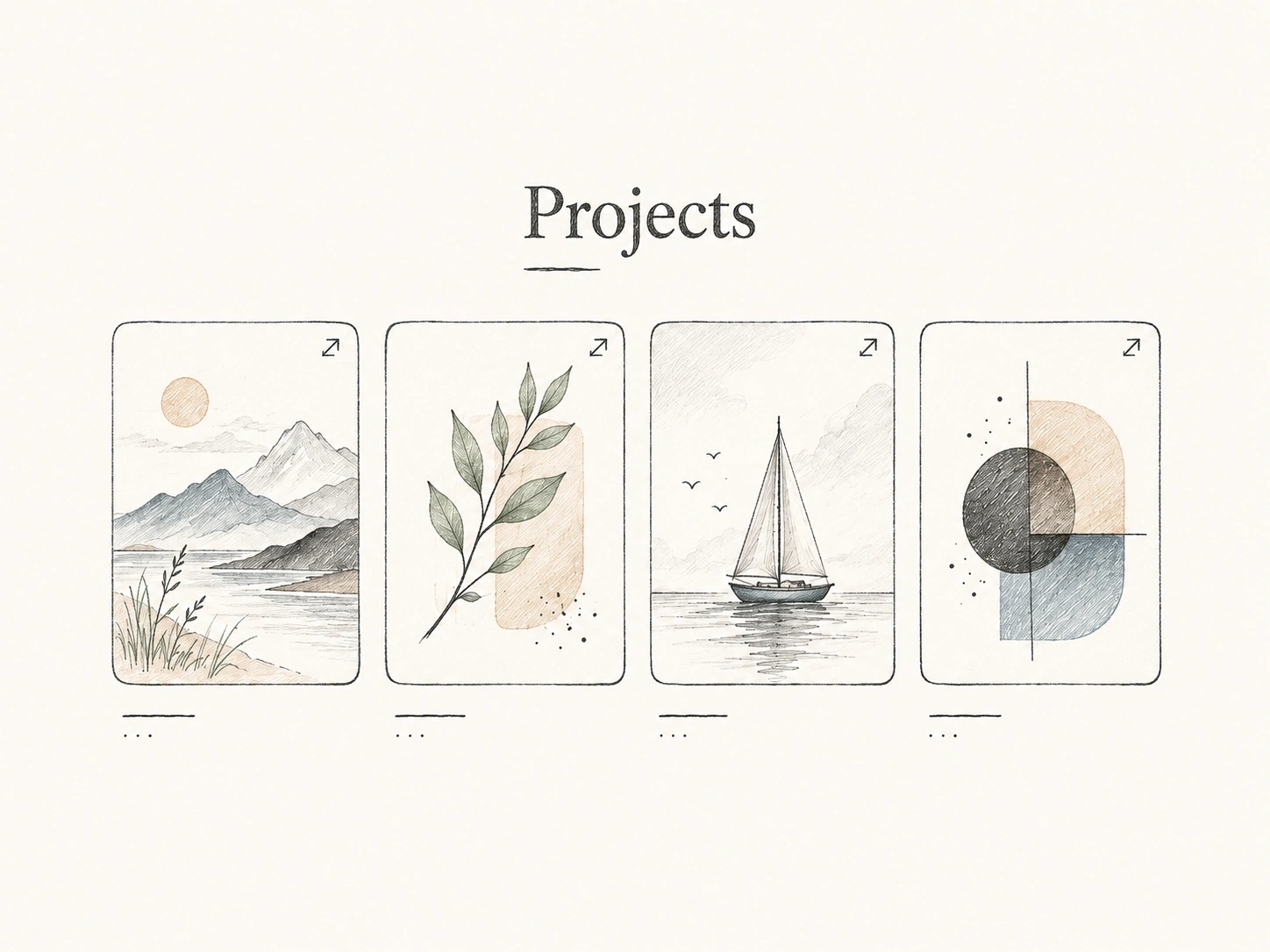
Self brings your experience and creative work together in a professional website. Project images and video give visitors a direct view of what you make, alongside the career context that explains it.
A creative portfolio is not only a list of roles, tools, and outcomes. It often needs the work itself on the page: campaign visuals, product shots, motion reels, case-study images, launch videos, short films, or a YouTube demo that already lives somewhere else.
That is why we added media support to project sections. Projects in Self can now include images, MP4 videos, and YouTube links, with the media shown directly in the project card and available in a gallery-style viewer.
What you can add
- Images for visual work, screenshots, case-study frames, campaigns, branding, interiors, products, or artwork.
- MP4 videos for reels, walkthroughs, product demos, launches, motion design, talks, or recorded work samples.
- YouTube links when the video is already hosted and you want it embedded cleanly inside the project experience.
The important part is that media belongs to the project, not to a loose gallery at the end of the page. A recruiter, client, or collaborator can read the context and inspect the proof in the same place.
Creative directors, designers, photographers, filmmakers, marketers, architects, artists, developers with product demos, and founders with launch material can showcase their work in a professionally designed Self portfolio. Keep experience, project media, and links together so visitors can understand your contribution and explore the result. Our AI portfolio builder and portfolio website builder guides explain the workflow in more depth.
Add media where the project lives
The workflow stays simple: add or edit your projects, upload the media or paste a YouTube link, reorder the items, and publish the page. Self handles the hosted page, responsive presentation, and project structure so the portfolio feels complete without becoming a full website build.
In Studio, open Content and expand Projects to add media inside the relevant entry. Reorder the items to choose what visitors see first. Preview shape and Image fit let you adjust the project-card presentation while keeping the media with its description.
Bring your experience, projects, and creative work together in one professional website. Self gives each project the context and presentation it deserves, ready for you to share with recruiters, clients, and collaborators.
Questions about project media
No. Every Self template supports project images and videos, including Classic designs. Choose the template that suits your work; you can show visual evidence of your projects in any of them.
Yes. Choose the original proportions for the project's image preview to show the full image. This is useful for artwork, diagrams, and screenshots where every part matters.
Uploaded MP4s are hosted with your Self page. YouTube videos stay on YouTube and appear through the project's embedded viewer. Choose the source that suits the work you already have.