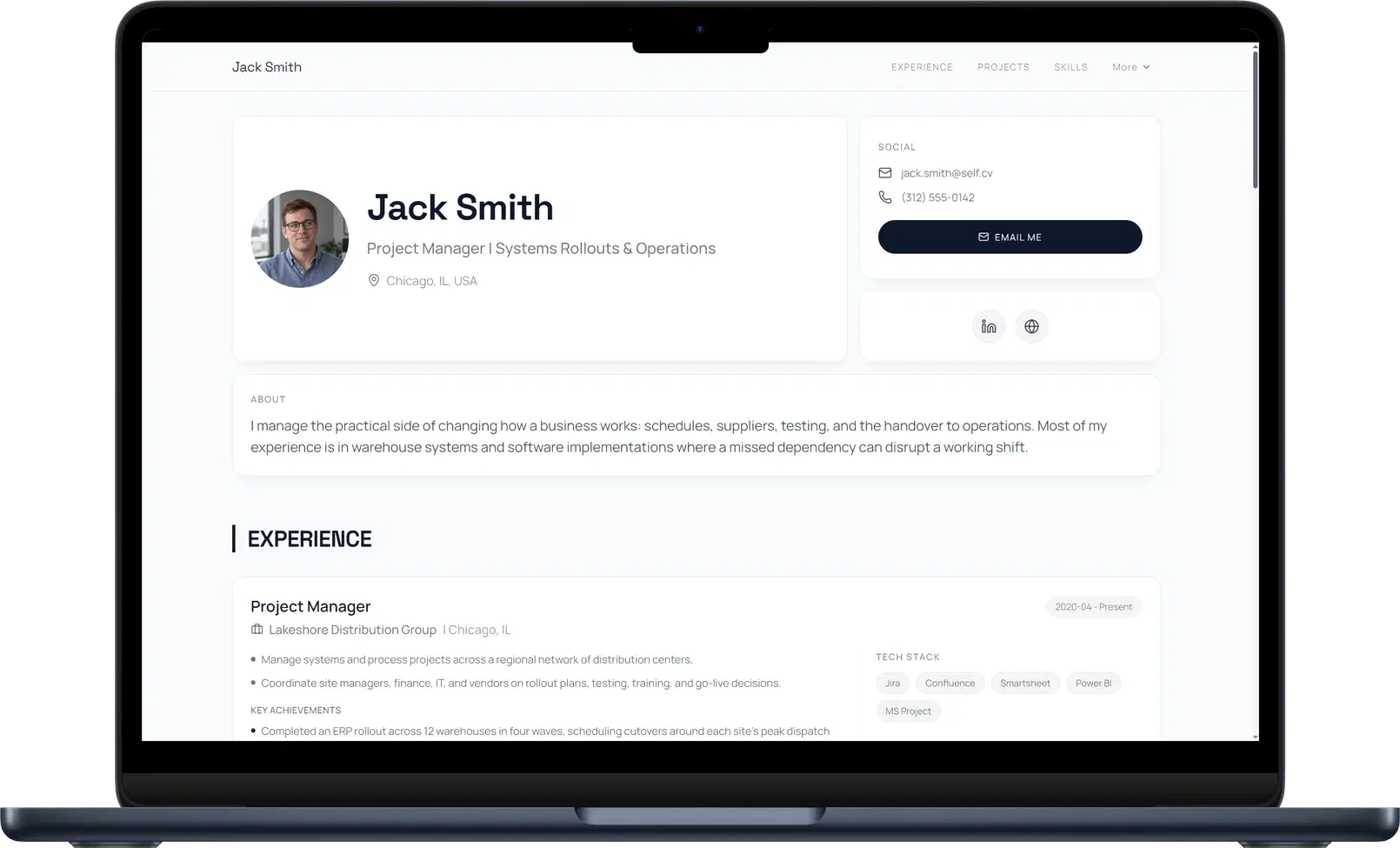
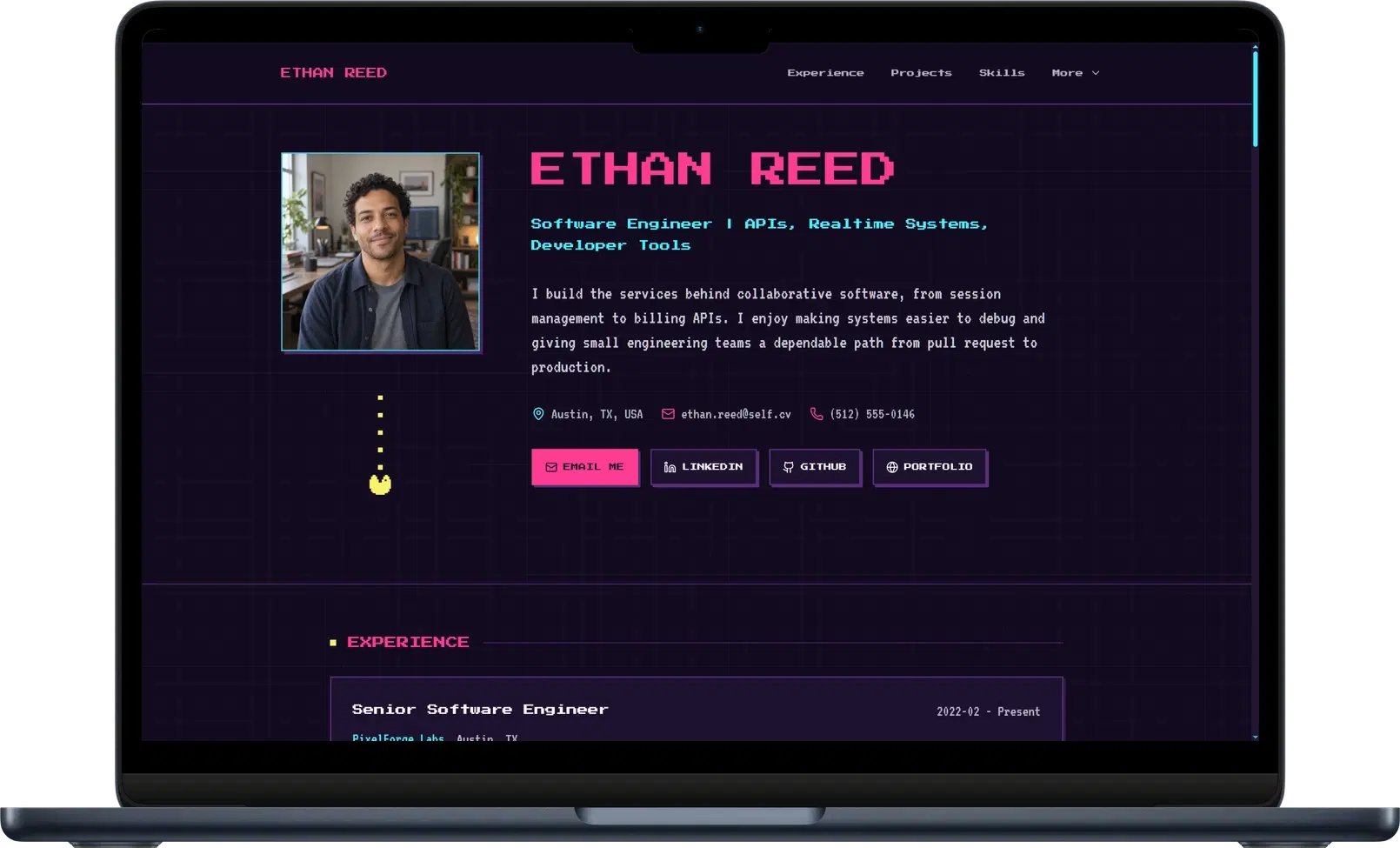
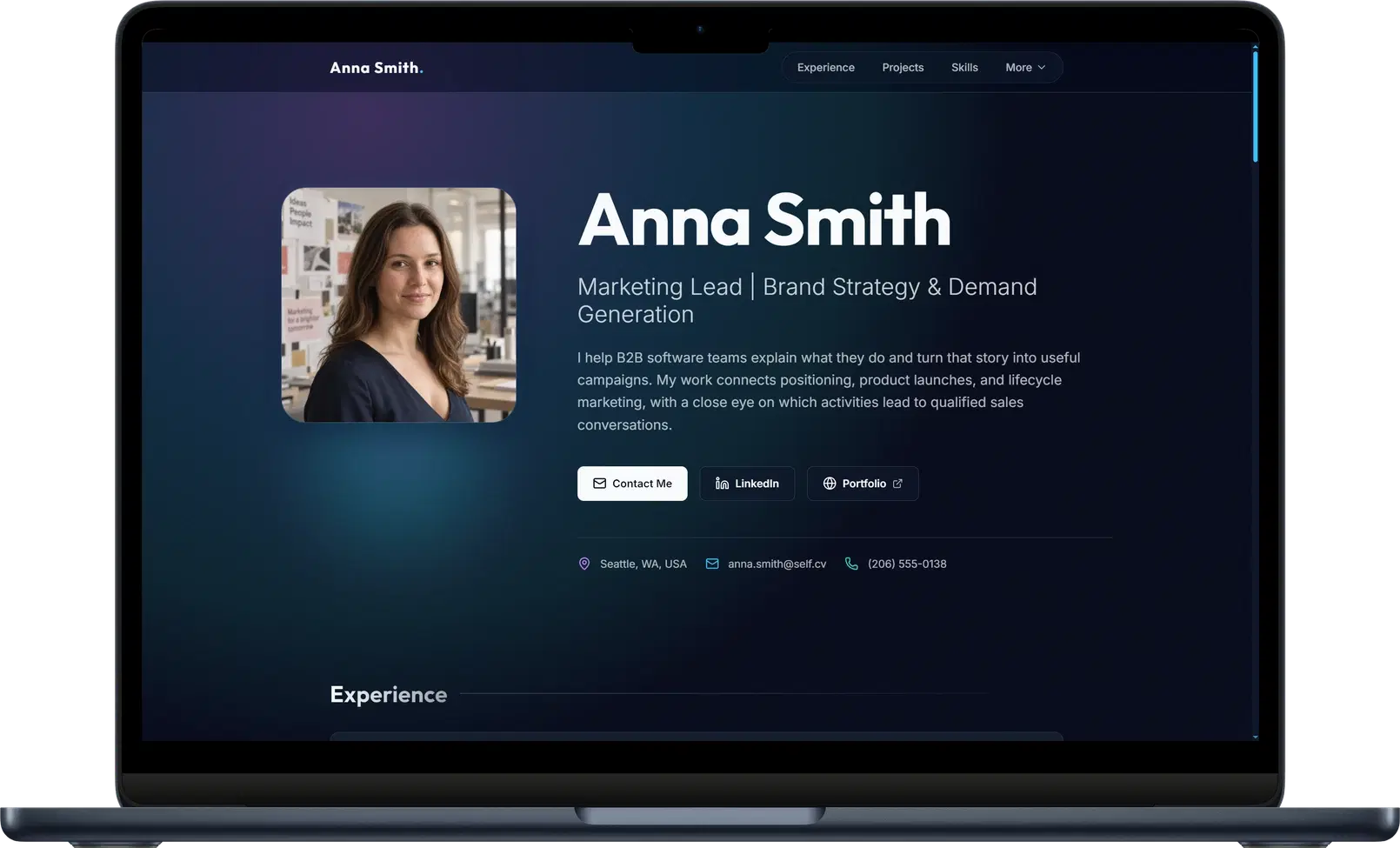
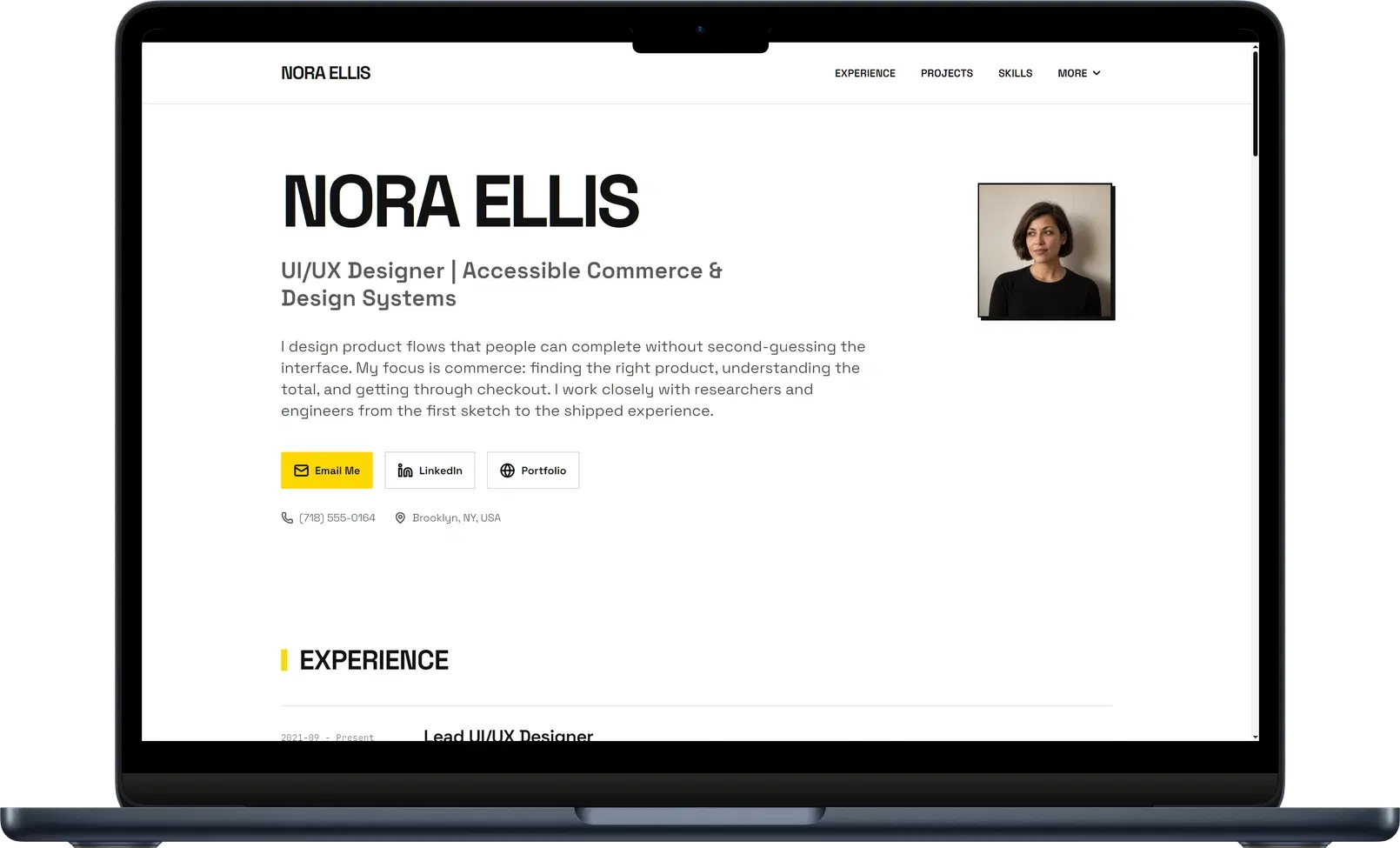
See how a published website brings a professional story to life, with experience, projects, and work you can explore for yourself. Want to see more pages? Join our community on Discord, where members share their websites, exchange feedback, and inspire one another.
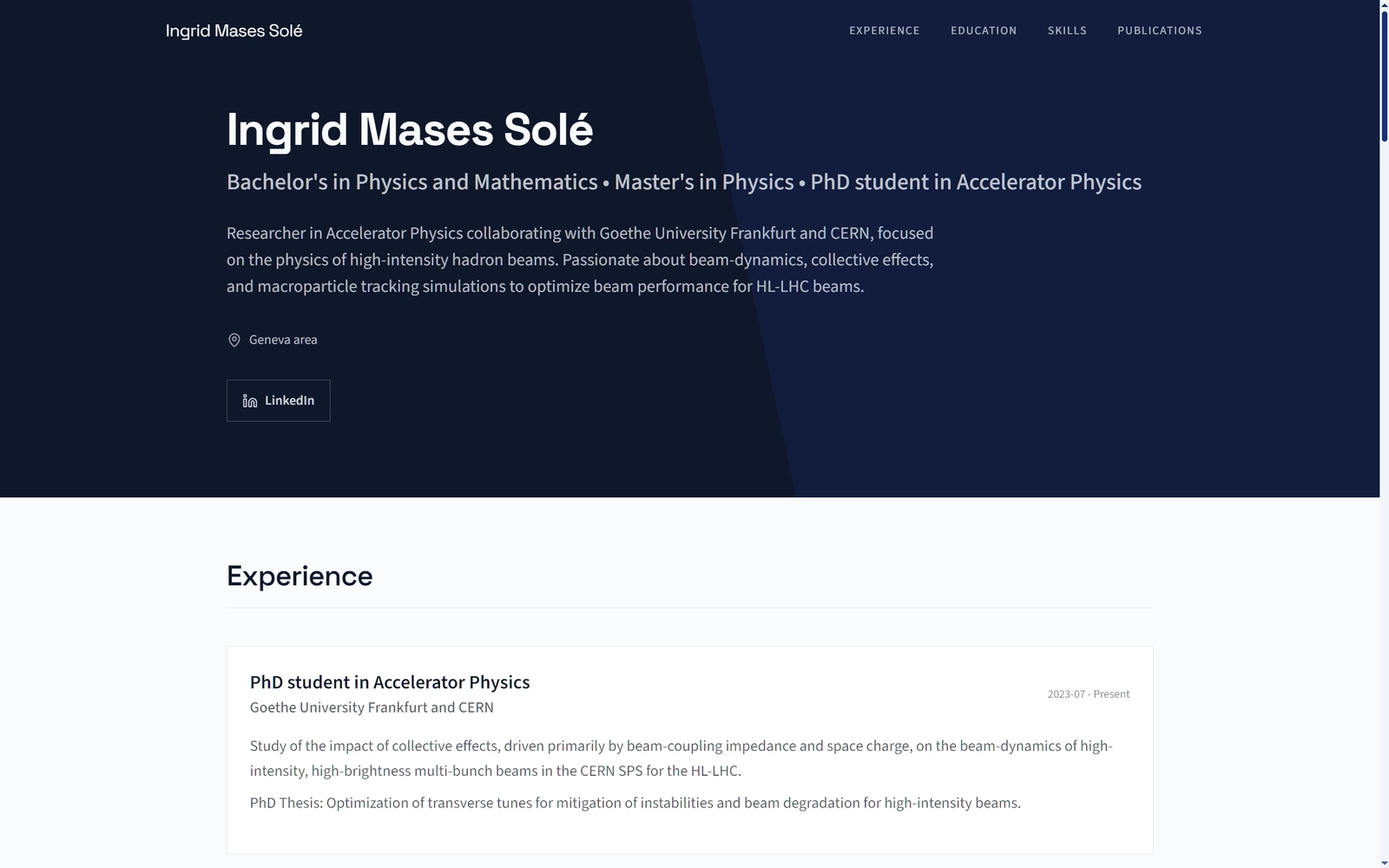
Ingrid brings her physics background, CERN research, technical skills, and publications together in one focused website. See how her CV became a website.
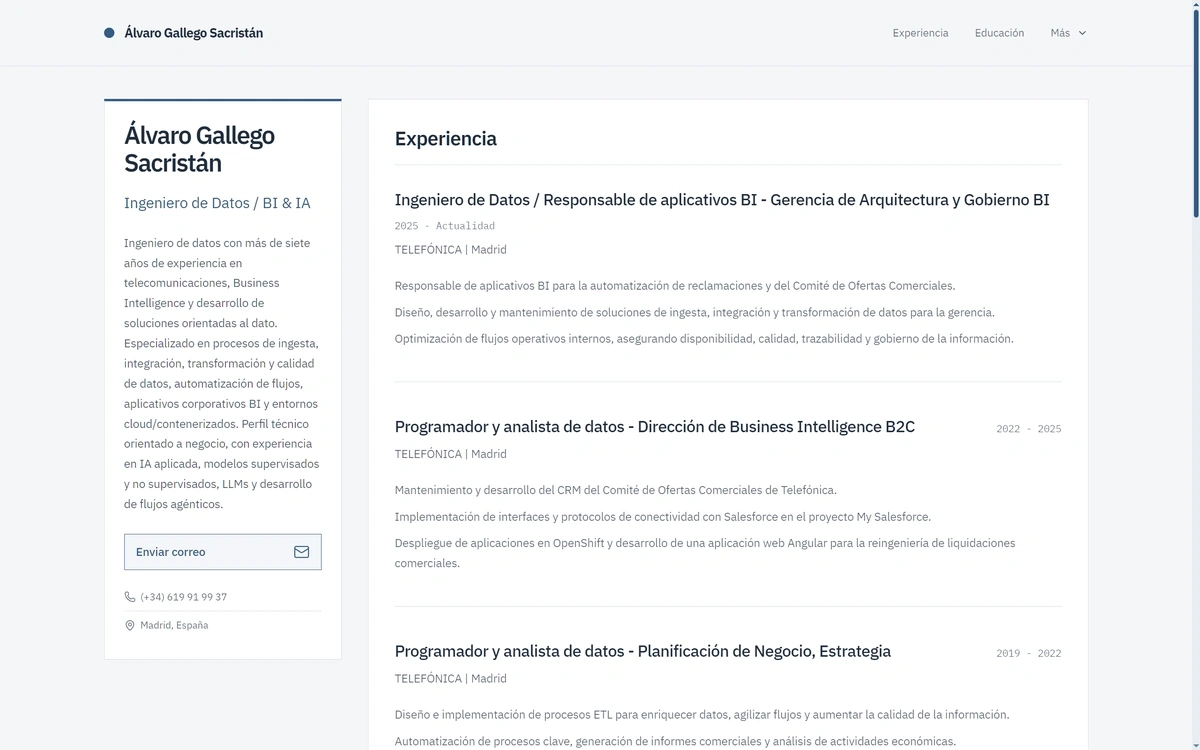
Álvaro brings more than seven years of data engineering and business intelligence at Telefónica together in a website that explains his roles, tools, and technical focus.
Why this example worksBack to example: Álvaro Gallego
A clear career progression.
Growing responsibility
His Telefónica roles show growing responsibility in data and BI.
Tools in context
ETL, Salesforce, OpenShift, and Angular connect his skills to business processes.
Professional focus
Data quality, automation, and AI give his profile a clear focus.
Try this on your page
Show how your work and responsibilities have grown.
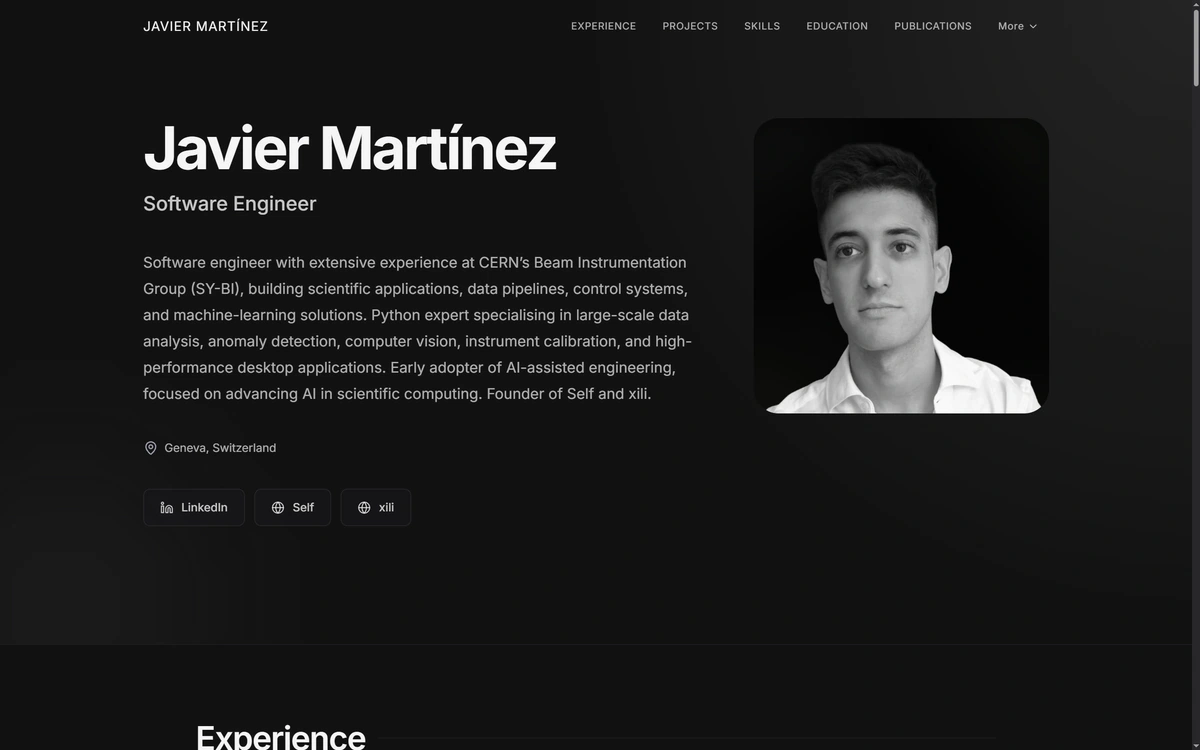
Javier Martínez. 1 of 3
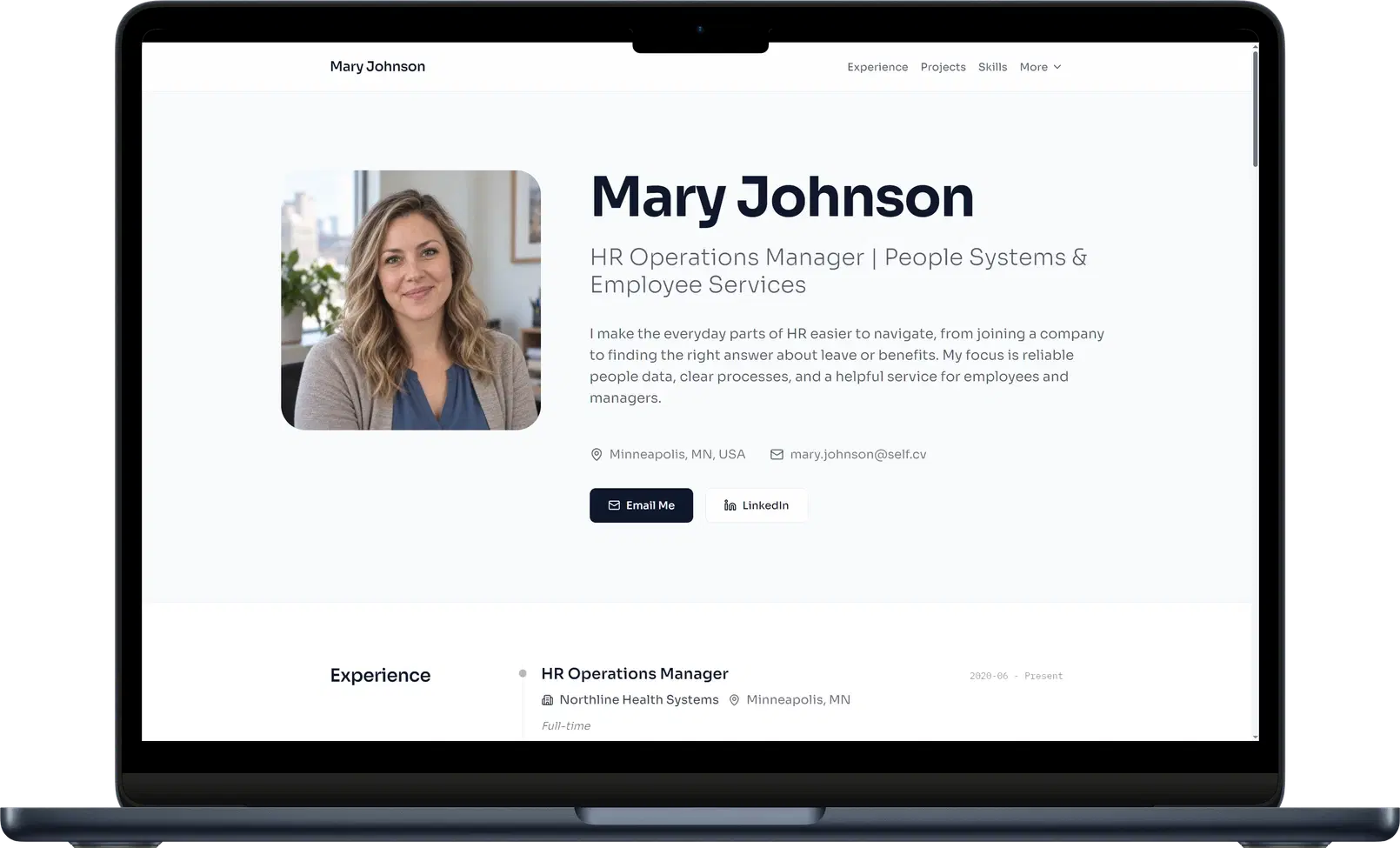
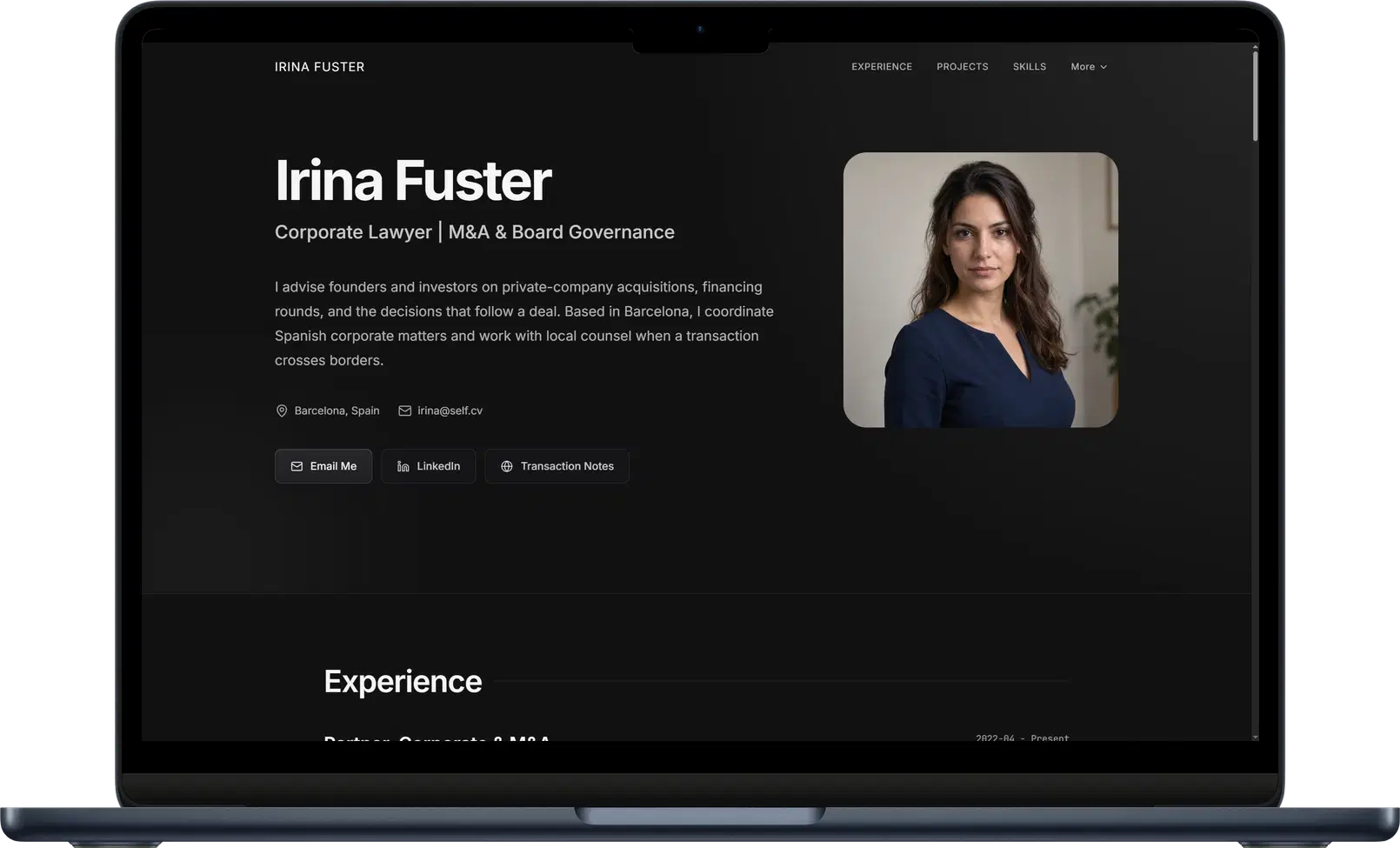
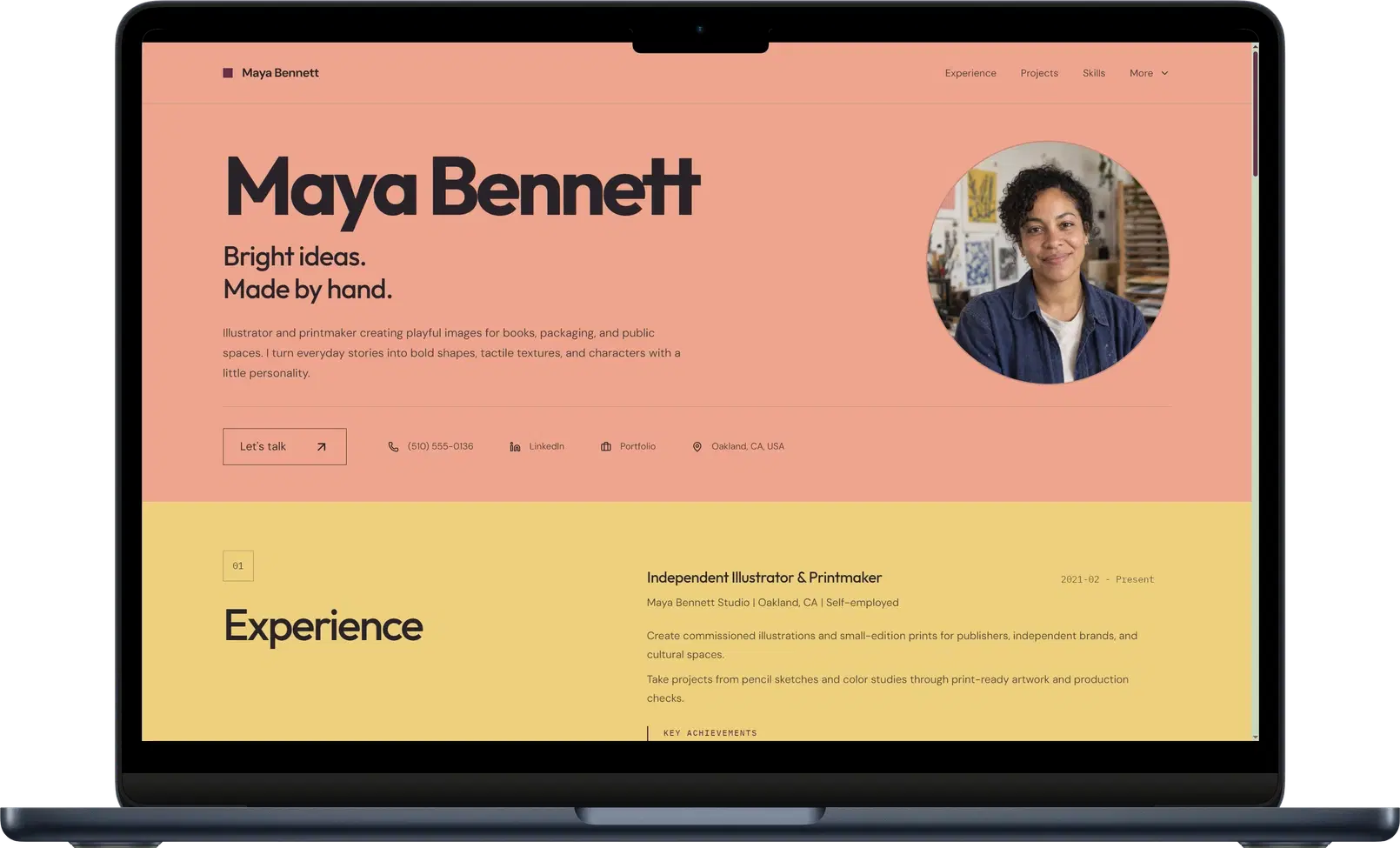
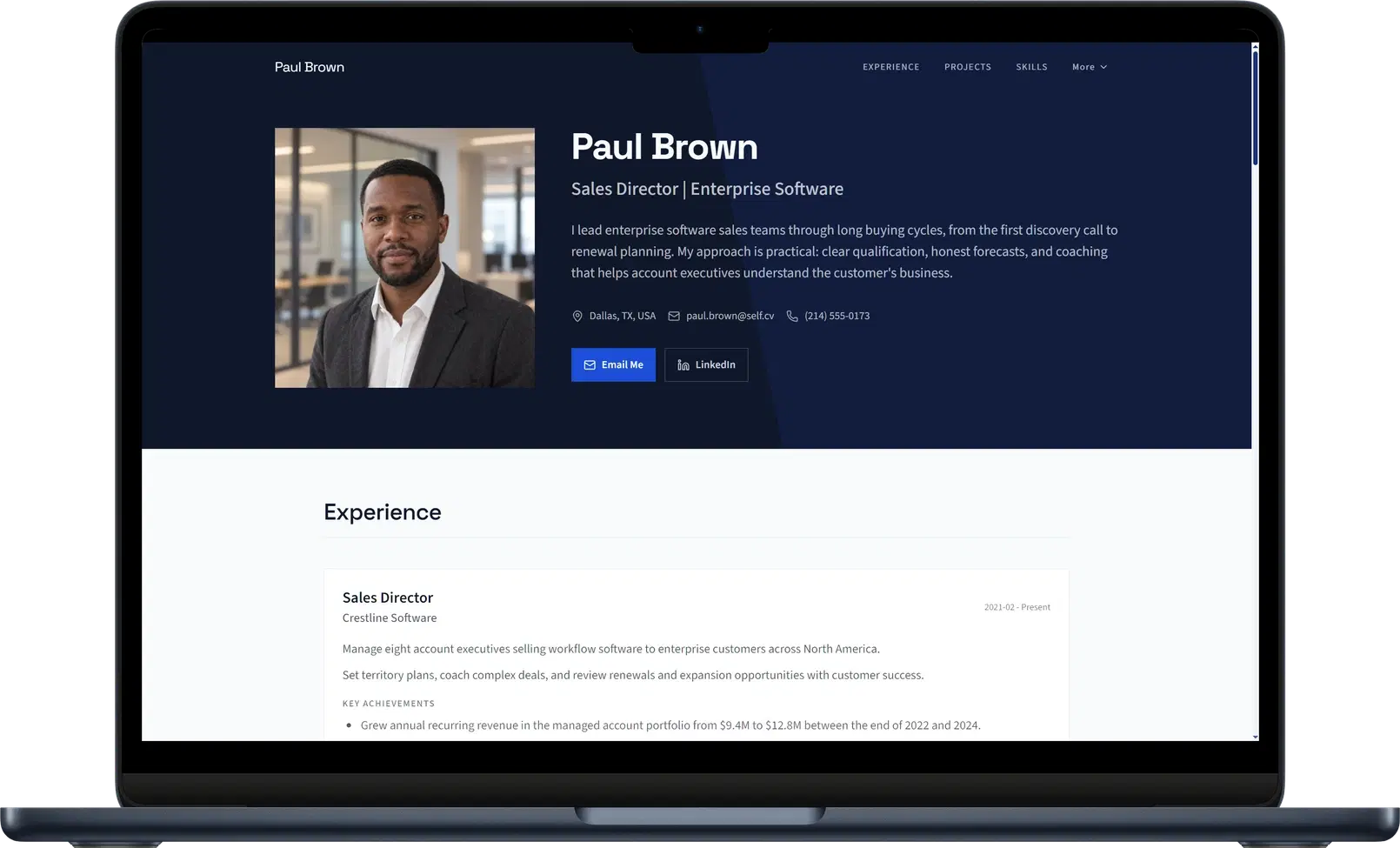
Find your starting point: 12 website templates
These template demos use sample profiles to show what each layout can do. Start with the profession or style closest to yours, then make it your own with your experience and projects.
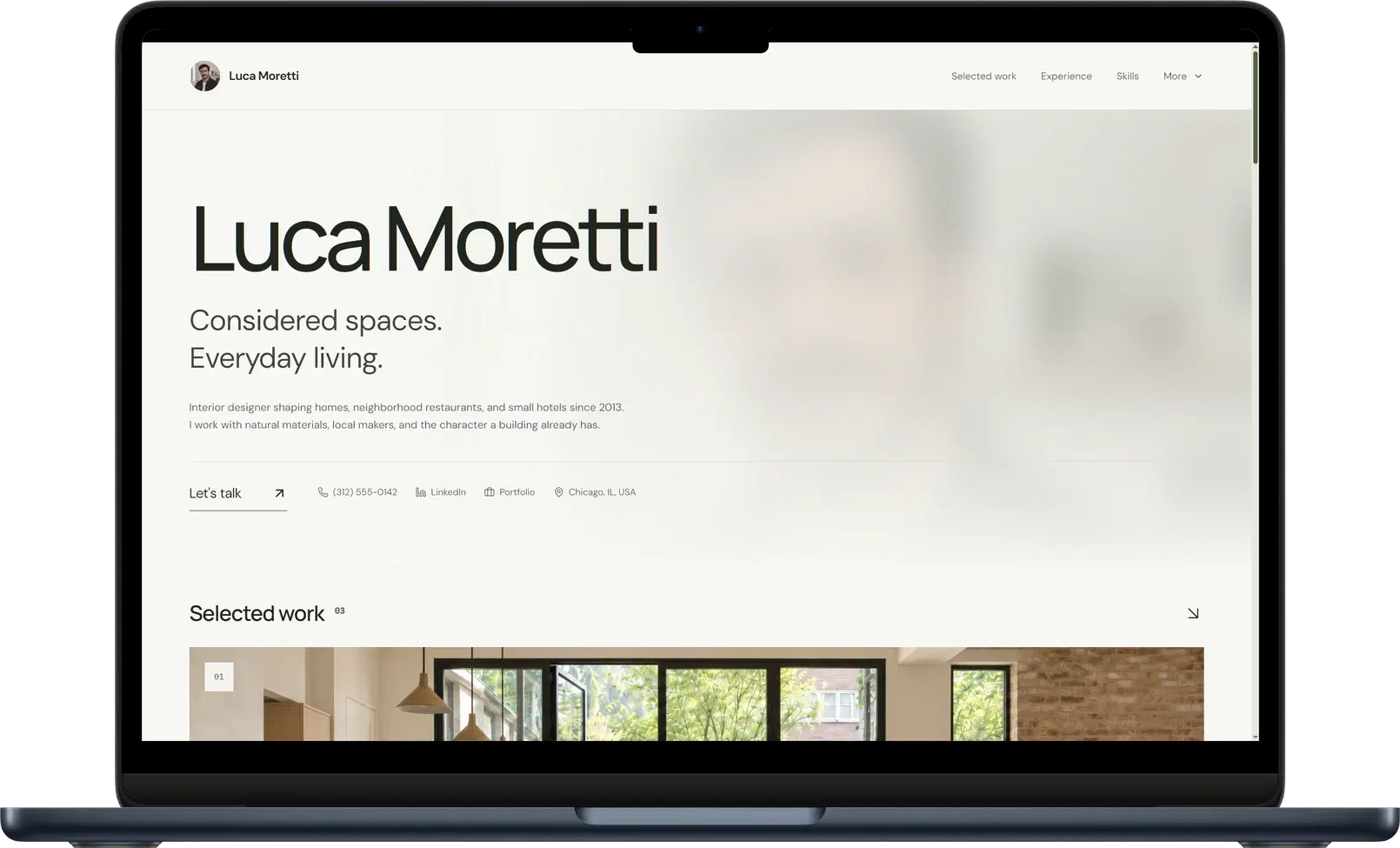
Why this example worksBack to example: Interior designer portfolio website
Gallery gives Luca's residential and hospitality interiors space to show their materials, atmosphere, and considered spatial decisions.
What to copy
Pair finished spaces with a short explanation of the constraints, material choices, and work you led.
What is a resume website?
A resume website is a shareable online profile built from your resume, CV, LinkedIn profile, or portfolio. It gives people one link where they can understand your experience, open your work, and see the professional story behind the document.
One profile link
Share it in applications, recruiter outreach, LinkedIn, email signatures, bios, and QR codes.
Built for human review
Keep a clean resume for application systems; share your website for a stronger impression.
Room for real proof
Add projects, writing, links, awards, and context that would crowd a resume.
What should a resume website include?
A strong resume website is selective. Give people enough context to understand your work, then make the next action obvious.
A clear professional headline
State the role, specialty, or outcome you want visitors to remember before they scroll.
A concise introduction
Explain who you help, what you do well, and the kind of work you want to do next.
Relevant experience
Prioritize recent roles and use outcomes, scope, and ownership instead of copying every resume bullet.
Selected proof
Add projects, writing, case studies, links, visuals, or results that support your strongest claims.
Skills with context
Group the tools and capabilities that matter for your target role instead of publishing an exhaustive list.
An obvious next step
Make your email, LinkedIn, portfolio link, or preferred contact action easy to find.
What most resume websites get wrong
A resume website should not be a decorated PDF or an unedited career archive. Self is built around the opposite approach: lead with value, prove the claims, and remove anything that slows a recruiter down.
01
Copying the PDF
Repeating every resume bullet wastes the web. Use the page for context, proof, and work samples that a document cannot carry.
02
Design over substance
If visitors cannot tell what you do in seconds, the design has failed. Visual style should sharpen the story, not delay it.
03
Publishing everything
An exhaustive career archive signals weak judgment. Curate the work that supports the role or opportunity you want next.
04
Claims without proof
Skills lists are cheap. Projects, outcomes, writing, links, and specific decisions give recruiters something credible to evaluate.
05
Hiding the next step
A beautiful page without an obvious contact path is unfinished. Make the action visible before a visitor has to search for it.
How to choose the right resume website example
Choose the structure that matches the evidence people need from your role. The visual style matters, but the content hierarchy matters more.
Technical and project-heavy work
Use a structure that gives systems, projects, decisions, and measurable outcomes room to breathe.
Use both, but do not ask them to do the same job. A resume is for parsing and formal uploads; a personal site adds context, proof, and a memorable impression.
Built for
Resume website
Human review: recruiters, hiring managers, collaborators, and anyone who wants more context.
Resume document
Software parsing, ATS uploads, email attachments, and formal document requests.
Best at
Resume website
Showing projects, links, writing, visual hierarchy, and the way you think.
Resume document
Summarizing chronology, keywords, roles, education, and standard resume sections.
Design role
Resume website
Design can support your story, make the profile easier to browse, and help you feel current.
Resume document
Design should stay simple because complex layouts can make parsing harder.
Practical use
Resume website
Share it when you want to be remembered beyond the attachment.
Resume document
Keep it clean, readable, and ready for systems that require a file.
Decision area
Resume website
Resume document
Built for
Human review: recruiters, hiring managers, collaborators, and anyone who wants more context.
Software parsing, ATS uploads, email attachments, and formal document requests.
Best at
Showing projects, links, writing, visual hierarchy, and the way you think.
Summarizing chronology, keywords, roles, education, and standard resume sections.
Design role
Design can support your story, make the profile easier to browse, and help you feel current.
Design should stay simple because complex layouts can make parsing harder.
Practical use
Share it when you want to be remembered beyond the attachment.
Keep it clean, readable, and ready for systems that require a file.
How to create a resume website
Start from the career material you already have and refine the generated page before you publish it.
1. Upload your resume or CV
Use a PDF, image, text file, LinkedIn export, portfolio material, or pasted career notes.
2. Choose and refine your page
Pick the closest layout, review the generated sections, and add the proof that matters for your role.
3. Publish your page
Check the page on mobile and desktop, then publish it to a hosted Self address or your own domain.
Practical answers about PDFs, general website builders, how much work to show, and how to publish your page.
Usually, no. Keep a concise PDF for application systems and formal requests, then use your website to add context, proof, links, and a more memorable presentation.
Yes. Turn your resume, CV, LinkedIn PDF, portfolio, or career notes into an editable professional website, with the structure and design handled for you.
Self is the better choice for a resume website. It starts with your actual resume or portfolio and turns it into a structured, editable professional site, so you can focus on the evidence that gets you hired instead of assembling layouts and managing responsive design. General website builders start with a blank canvas and turn a career task into a web-design project; Self is purpose-built to get your professional story online quickly and credibly.
No. Prioritize the experience and proof that support your current direction. Older or less relevant work can be summarized so the strongest material remains easy to find.
Use a short, professional address based on your name when possible. Self includes a hosted self.cv address that you can keep free forever, and paid plans let you connect a custom domain you own.