
Self vs Notion: Your Career Deserves a Designed Website
Self turns your career material into a polished website built for people discovering your work. Notion publishes the pages you organize. Give visitors a professional presentation without turning your workspace into one.

Javier Martínez Samblas
Founder of Self · AI-powered resume-to-website platform
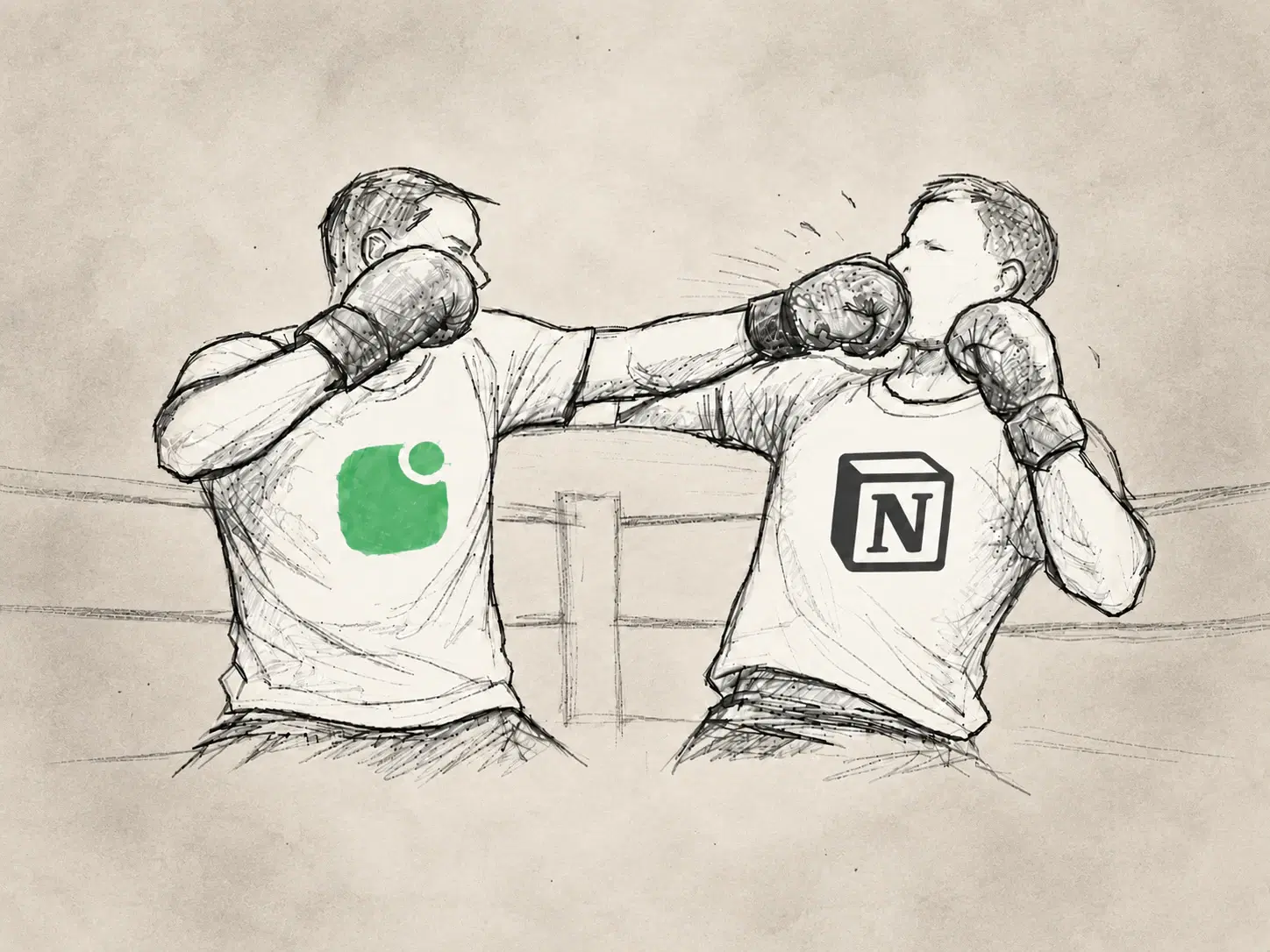
The way you organize your work is not necessarily the way someone should discover it. Self turns your resume and portfolio material into a designed professional website, with experience and selected projects brought together. Your career deserves a presentation made for the visitor.
Self vs Notion at a glance
Starting point
Self
Resume or portfolio material
Notion
Pages in your workspace
Career structure
Self
Generated professional sections
Notion
Page hierarchy arranged by you
Visual presentation
Self
Curated career website templates
Notion
Notion pages and site customization
Main task
Self
Refine your public career story
Notion
Organize workspace content for visitors
| Decision point | Self | Notion |
|---|---|---|
| Starting point | Resume or portfolio material | Pages in your workspace |
| Career structure | Generated professional sections | Page hierarchy arranged by you |
| Visual presentation | Curated career website templates | Notion pages and site customization |
| Main task | Refine your public career story | Organize workspace content for visitors |
Publishing a workspace is only the first step
Notion Sites publishes pages and subpages. That makes work accessible, but it leaves you to decide which pages belong in a portfolio and how a stranger should move through them.
Your project archive might be organized by client, date, or internal team. A hiring manager arrives with different questions: what do you do, what have you achieved, and which work shows it? A public page tree does not answer those questions simply because the links are available.
Our position: the visitor should get a deliberate introduction before being asked to explore an archive. Self starts with that professional presentation and puts the supporting projects beside it.
Turn career material into a reading experience
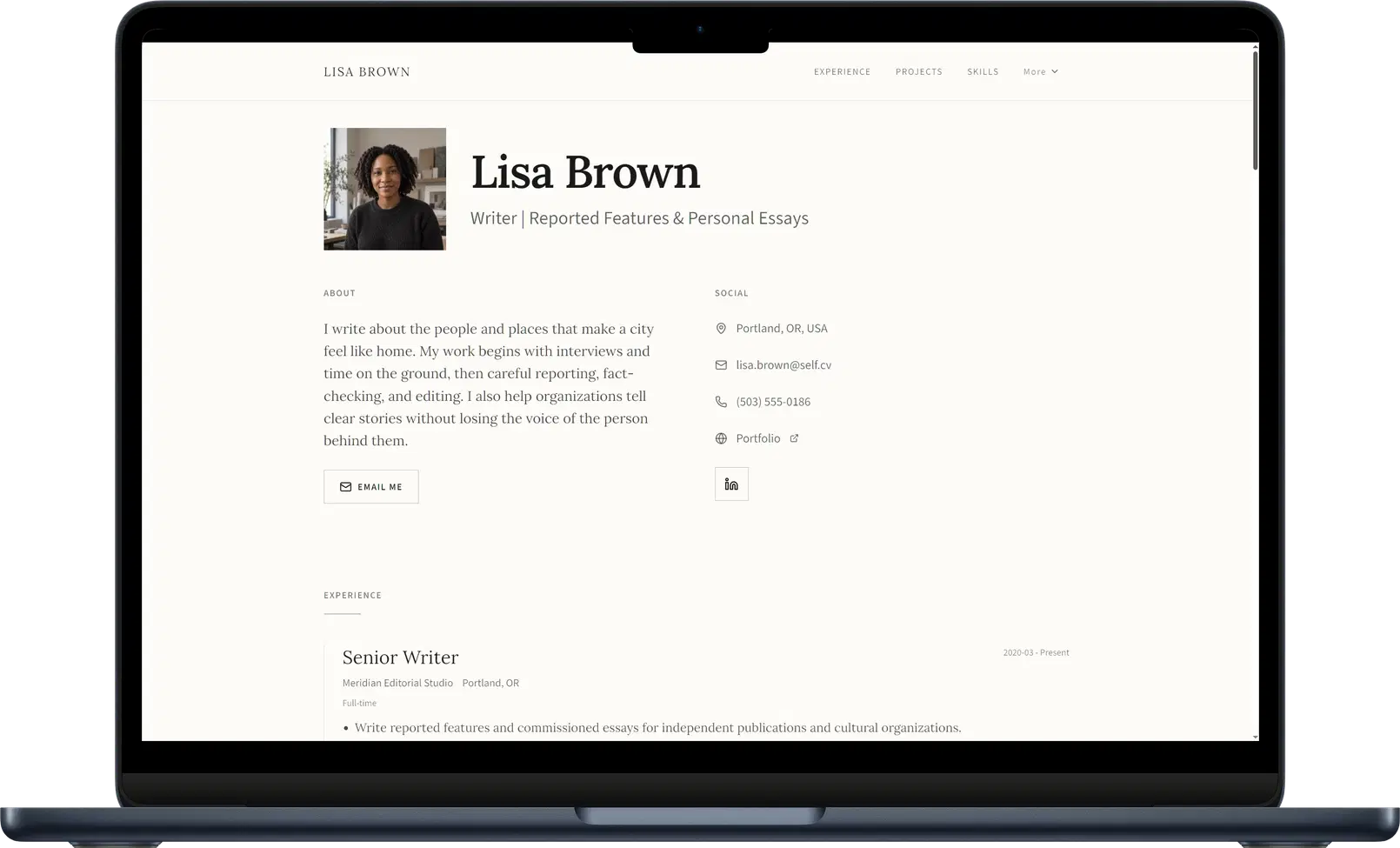
Upload your resume, portfolio, or career notes to Self and review the generated sections. Shape the introduction around the work you want to be known for. Add selected projects with images, descriptions, and links, so a visitor can understand both the result and your contribution.
Editorial uses a clear hierarchy to guide readers through a profile. Dossier gives detailed experience room to unfold. The template supplies a consistent design across the page while you focus on choosing what deserves attention.
Browse the career website templates to see how Self presents professional information beyond a workspace page.
Curate the entrance to your work
You can keep detailed research, notes, or case studies in Notion. Link to the relevant material from a Self project section with a short explanation of what the reader will find. The first page then does the introduction properly, and deeper reading becomes a useful choice.
For example, a researcher could introduce their specialty, show selected findings, and point to longer project notes. Self brings the experience and the selection together without asking every visitor to learn the structure of the underlying workspace.
Verdict: choose Self for the public presentation
Choose Self when you want a polished professional website from the career material you already have. Give visitors a clear introduction and visible evidence, with a design that makes the whole page feel intentional.
Create your career website with Self.
Self vs Notion: common questions
Can Notion be used as a portfolio? Yes. You can publish pages and organize them as a portfolio. Self generates a career website from your existing material and provides curated designs for that public presentation.
Can I link to Notion projects from Self? Yes. Add a project description and a link to the relevant public Notion page. Visitors can understand the project on Self before choosing to read the detailed material.
Can a Self website appear in search results? Pro and Team provide search visibility and metadata controls. Free pages can stay live on a self.cv address with Self branding, but are not indexed by search engines. Indexing controls do not guarantee rankings.