

Self vs Squarespace: A Career Website Without the Detour
Self turns your resume into a polished professional website. Squarespace starts with the site you want to build. Get the design and career presentation together, without planning a wider website around your CV.

Javier Martínez Samblas
Founder of Self · AI-powered resume-to-website platform
A polished career website should not begin with planning a site around your resume. Self starts with the experience you have already written down and gives it a professional design. Your introduction, work history, and selected projects belong together from the first draft.
Self vs Squarespace at a glance
Starting point
Self
Upload your existing resume
Squarespace
Template or AI website brief
Career structure
Self
Professional sections generated for you
Squarespace
Career content fitted into site pages
Design process
Self
Choose a curated career presentation
Squarespace
Customize the wider website
Main deliverable
Self
A polished professional profile
Squarespace
A website shaped around your brief
| Decision point | Self | Squarespace |
|---|---|---|
| Starting point | Upload your existing resume | Template or AI website brief |
| Career structure | Professional sections generated for you | Career content fitted into site pages |
| Design process | Choose a curated career presentation | Customize the wider website |
| Main deliverable | A polished professional profile | A website shaped around your brief |
The site brief is an extra job
Squarespace offers portfolio templates and Blueprint AI to start a website. You then shape the pages around what you want to publish. For a career site, the resume still has to become that web presentation.
Should experience get a page of its own? Should projects come before the biography? How much navigation does a professional introduction need? Those can be worthwhile decisions for a larger site. They can also delay the simple goal of having a strong page ready to send.
Our view: when the resume is the source, it should drive the first draft. A beautiful career website does not need to start as an open-ended website brief.
Self makes the resume the starting point for design
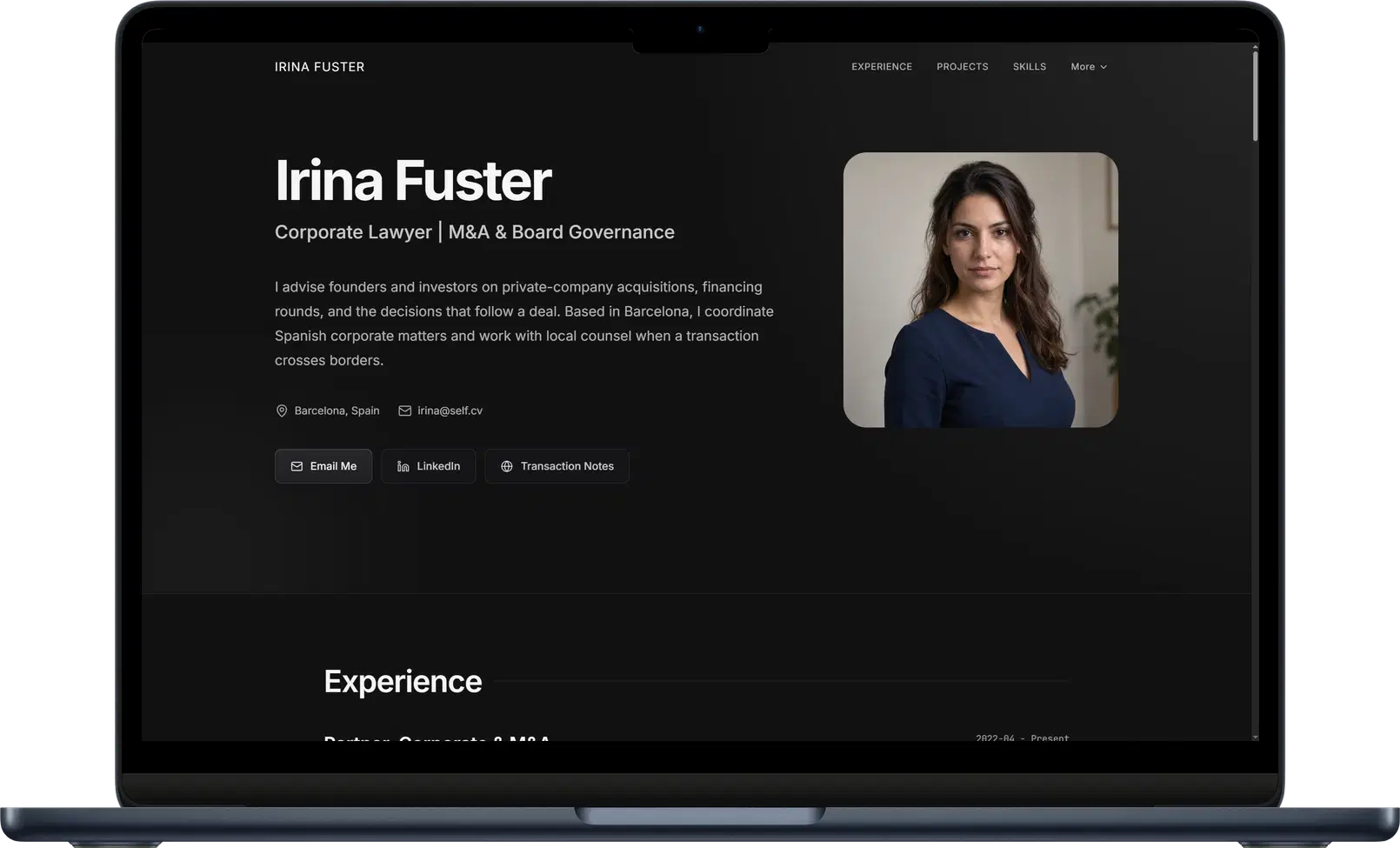
Upload your CV or career material and Self generates sections around your experience. Choose a template, review the text, and add selected work. You refine a page already structured for professional information.
Charcoal offers a composed visual treatment for experience and projects. Editorial creates a more publication-like reading experience. The design choice changes how the career is presented, while the underlying professional structure is already there.
Compare the resume website templates and examples to see the finished directions. You can add project images, video, descriptions, and links to make your work visible alongside the roles that give it context.
A focused page can make a substantial impression
A consultant does not need a large site to explain their specialty, show relevant experience, and present selected engagements. A researcher can connect a biography, publications, and projects in one place. A coherent page can carry considerable professional depth.
Self keeps the editing centered on those details. Put attention into the introduction people read and the work they inspect. Hosting and responsive presentation are part of the result.
Verdict: choose Self for the professional page you came to build
Choose Self when you want your existing resume to become a polished career website. The point of a focused workflow is to deliver that presentation directly, with your experience and projects already connected.
Turn your resume into a website with Self.
Self vs Squarespace: common questions
Can Squarespace host a career portfolio? Yes. Squarespace supports portfolio websites and an AI-assisted site workflow. Self starts from your existing career material and generates the professional sections for the page.
Can Self show more detail than my resume? Yes. Add project descriptions, images, video, and links alongside your professional history. Use the website to explain selected work in more depth than the application document allows.
Does Self support my own domain? Pro and Team let you connect a domain you own. They also add all templates, analytics, and search visibility controls. A free page uses a self.cv address with Self branding and no search indexing.