
Edit Your Page with AI Chat
Self Pro and Team include AI Chat, a simple way to update your page by describing the change you want in plain language.

Javier Martínez Samblas
Founder of Self · AI-powered resume-to-website platform
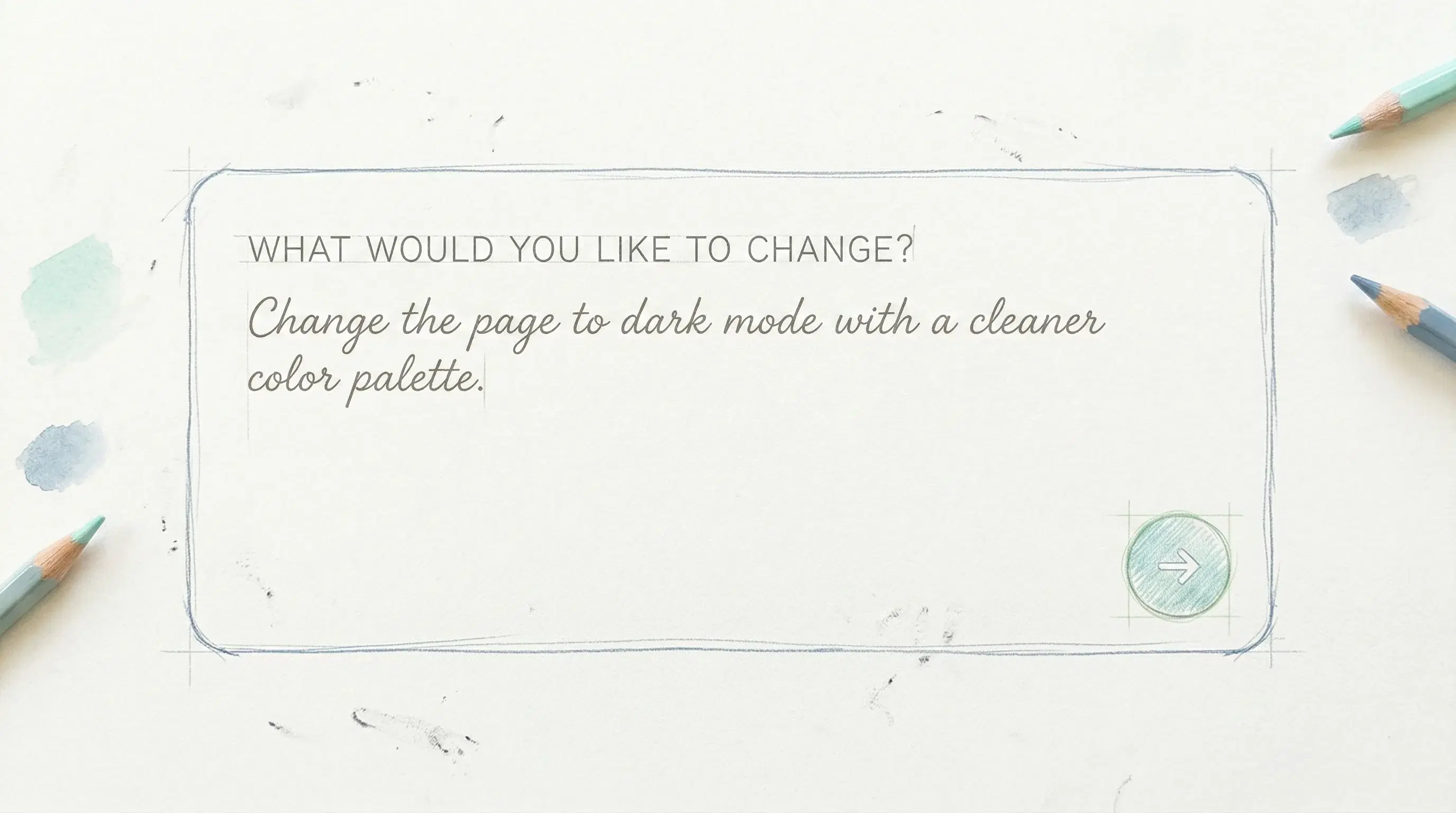
We have added AI Chat to Self so you can edit your page by simply describing what you want. Instead of making every change by hand, you can tell the assistant what to update and get there faster.
AI Chat is available on Pro and Team plans, with daily AI edit quotas based on your plan.
It is useful for quick fixes, but also for bigger rewrites when you want to improve clarity, tone, structure, or focus. You stay in control, but the editing work becomes much lighter.
What AI Chat can change
You can ask for content changes like:
- Rewrite your headline or summary so it sounds clearer, sharper, and more professional.
- Shorten long sections so recruiters can scan the page faster.
- Turn rough project notes into polished descriptions with stronger wording.
- Adapt the page for a specific role, such as product, design, data, or software engineering.
Or theme changes like:
- Switch the page to dark mode with a cleaner color palette.
- Refresh the page with a more editorial serif heading and cleaner font pairing.
Each accepted AI edit is saved through the same structured page data that powers manual editing, so the page stays consistent with your selected template, language, and publishing settings.
If you already know the result you want, the easiest way to edit your page is now just to ask.