File types and limits
Add up to 5 files, 10 MB each. Supported formats: PDF, PNG, JPG, JPEG, TXT. Your text and TXT files can contain up to 200,000 characters in total.


Upload your LinkedIn profile PDF and publish
a cool websitefor applications and outreach.
Trusted by professionals worldwide









“Just imported my LinkedIn profile and it generated the site for me straight away. I wish I'd found this before trying to build my portfolio myself.”

Dry Cargo Shipbroker • Erhardt
“The built-in analytics were really useful. Seeing exactly who visited my page and when helped me prepare better for interviews.”

Perception Engineer • Embotech AG
“Really original idea! The page looked polished on the first draft. I only had to tweak a few details. No spending hours fixing the layout.”

Industrial Automation Engineer • CERN
Self uses LinkedIn's desktop PDF export flow as the import path, then converts the profile into an editable hosted page.
Open LinkedIn on desktop, visit your profile, and use the profile menu to save your profile as a PDF.
Self turns the LinkedIn export into organized page sections that preserve the details you provide.
Review the page, choose a template, adjust copy and sections, then publish a public self.cv link.
Upload whatever you have. PDF, image, text, or a rough draft, we'll handle the format and turn it into a polished, beautiful page.
Add text, files, or both. You can edit your page later.
Add up to 5 files, 10 MB each. Supported formats: PDF, PNG, JPG, JPEG, TXT. Your text and TXT files can contain up to 200,000 characters in total.
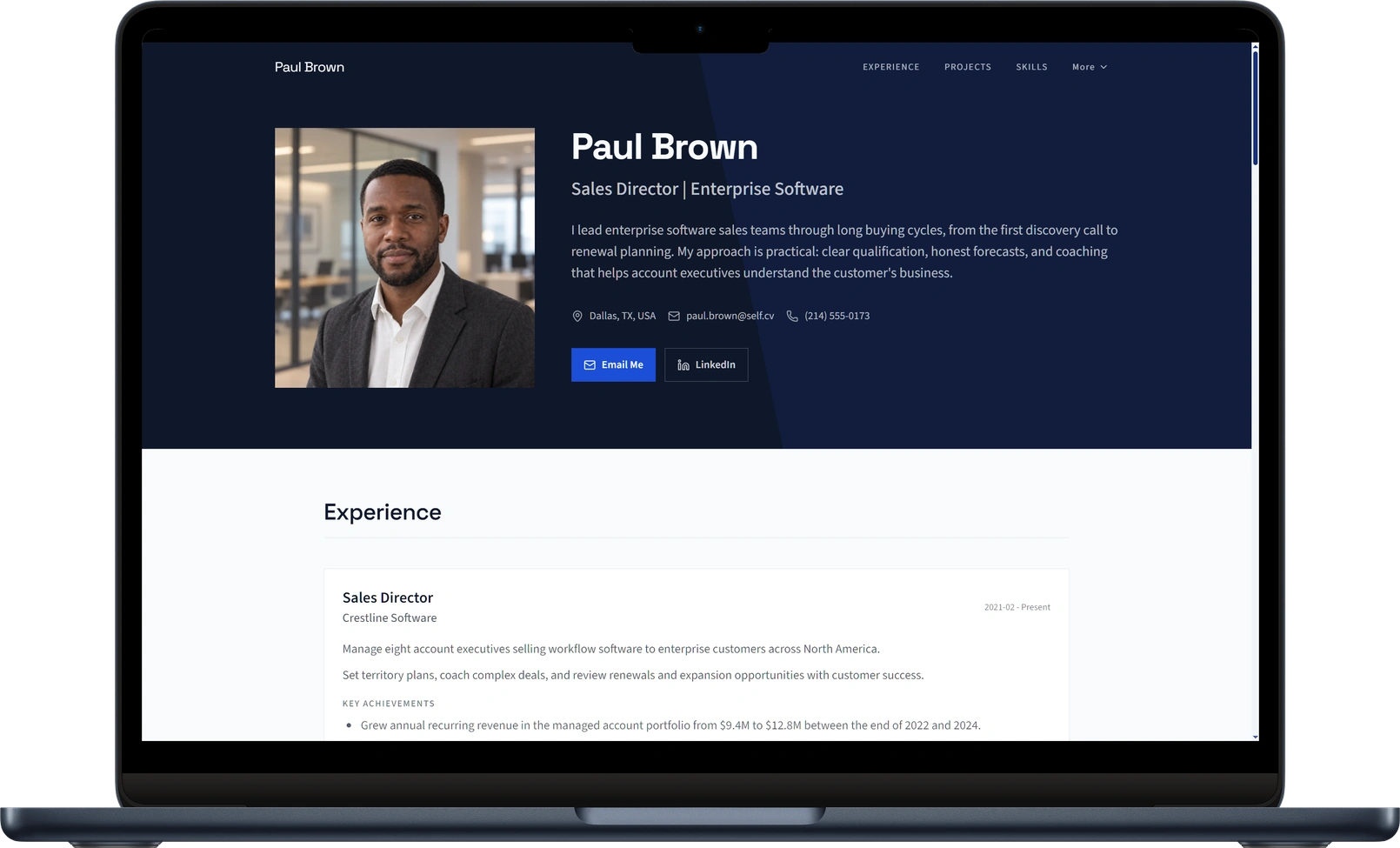
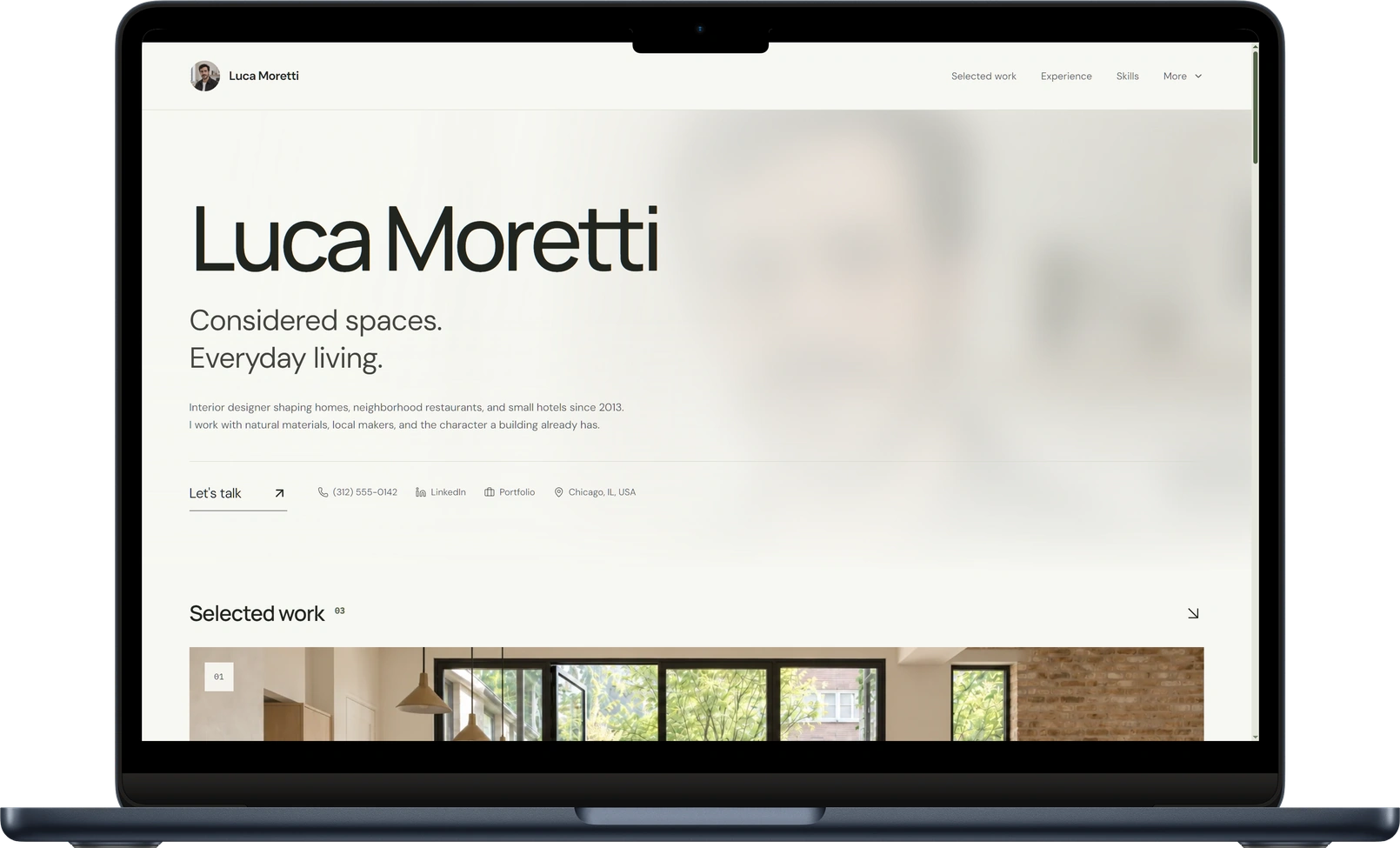
Turn your CV into a professional portfolio with room to tell the full story behind your projects: the problem you tackled, the role you played, and the impact you made.
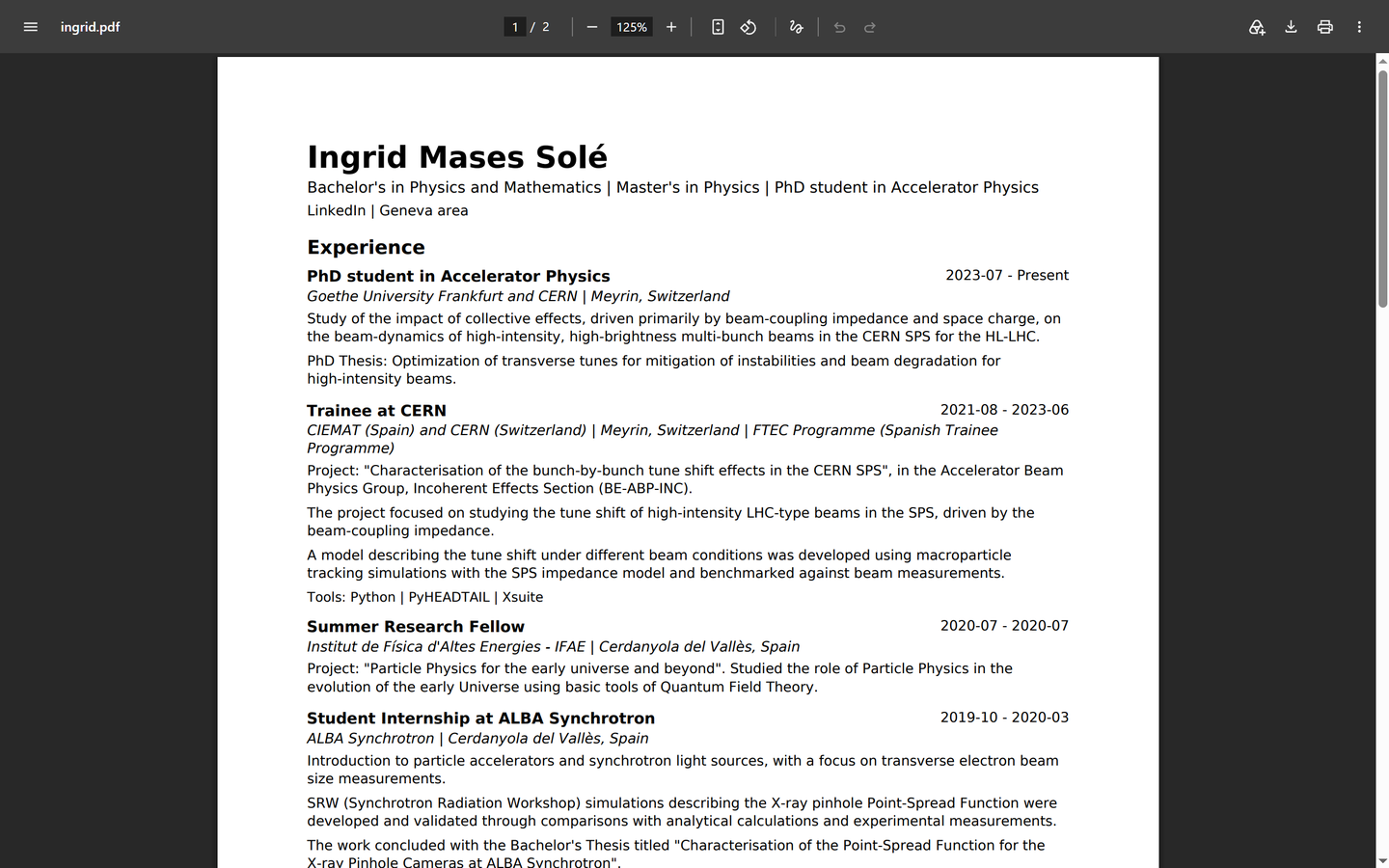
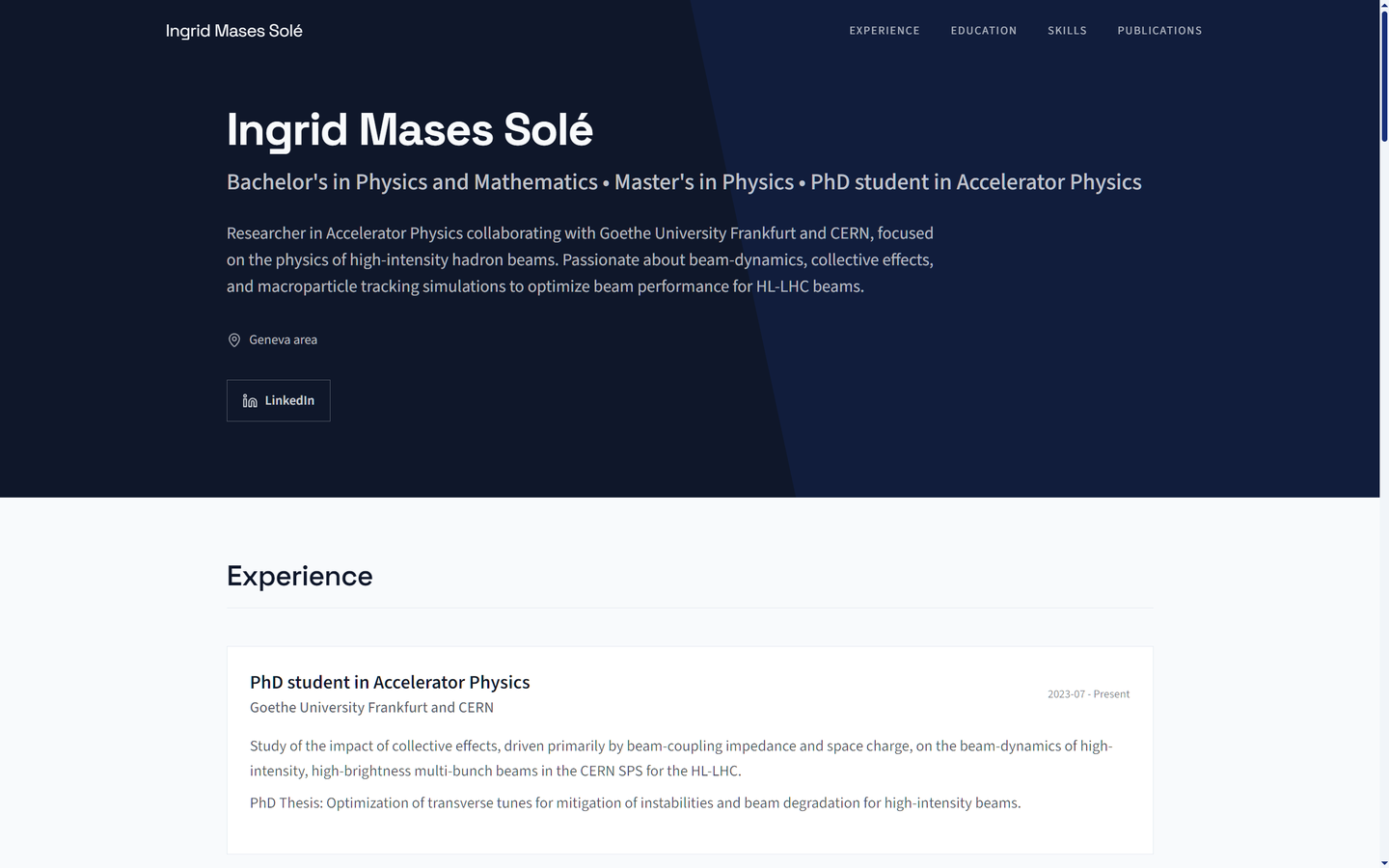
Many professionals already keep LinkedIn more current than their resume. Self lets you use that profile export as source material, then gives you a standalone page that feels more intentional than sending someone back to a social network profile.
Use LinkedIn for networking. Use Self when you want one focused link for applications, outreach, and bios.
Share a focused version of your profile built for applications, bios, and outreach.
Turn the PDF export into a page you can refine before publishing.
Use the link in applications, email signatures, messages, bios, and QR cards.
Upload the profile PDF, review the generated page, and publish a focused professional website.
Self gives you the editing, AI, sharing, and analytics tools to turn your resume into a professional page that does more than sit in an inbox.
Job searching is exhausting, so stop wasting time retyping the same information again and again. Once your Self page is ready, use our AI-powered Chrome extension, "Autofill for Job Applications", to instantly complete applications based on your page.
Backed by scientific evidence, a strong online presence helps you stand out in a competitive market, build trust, and make your professional profile more recognizable. A clear and consistent personal brand sets you apart from other candidates and helps you make a lasting impression.
Your Link Will Be Opened
There's an 80%+ chance hiring managers will click the link you provide, making a professional web presence a core part of today's hiring process.
View sourcePublish at your own self.cv address with hosting and social sharing cards included. Upgrade to connect a custom domain and unlock every template, advanced design and branding tools, built-in analytics, and full SEO controls.
Free
Launch your page
$0/ mo
No billing required
What you get
Usage limits
Pro
Build your personal brand
$5.99$2.99/ mo
Billed $35.88 yearly
What you get
Usage limits
Team
Manage multiple profiles
$29.99$14.99/ mo
Billed $179.88 yearly
What you get
Usage limits
Read our latest stories on career positioning, product thinking, and how we are building a better way to showcase professional work.
Bring your Self page edits back into your resume. Download an updated, ATS-optimized resume PDF or editable TXT, free on every plan.