
Export Your Self Page as an ATS-Optimized Resume PDF
Bring your Self page edits back into your resume. Download an updated, ATS-optimized resume PDF or editable TXT, free on every plan.

Javier Martínez Samblas
Founder of Self · AI-powered resume-to-website platform
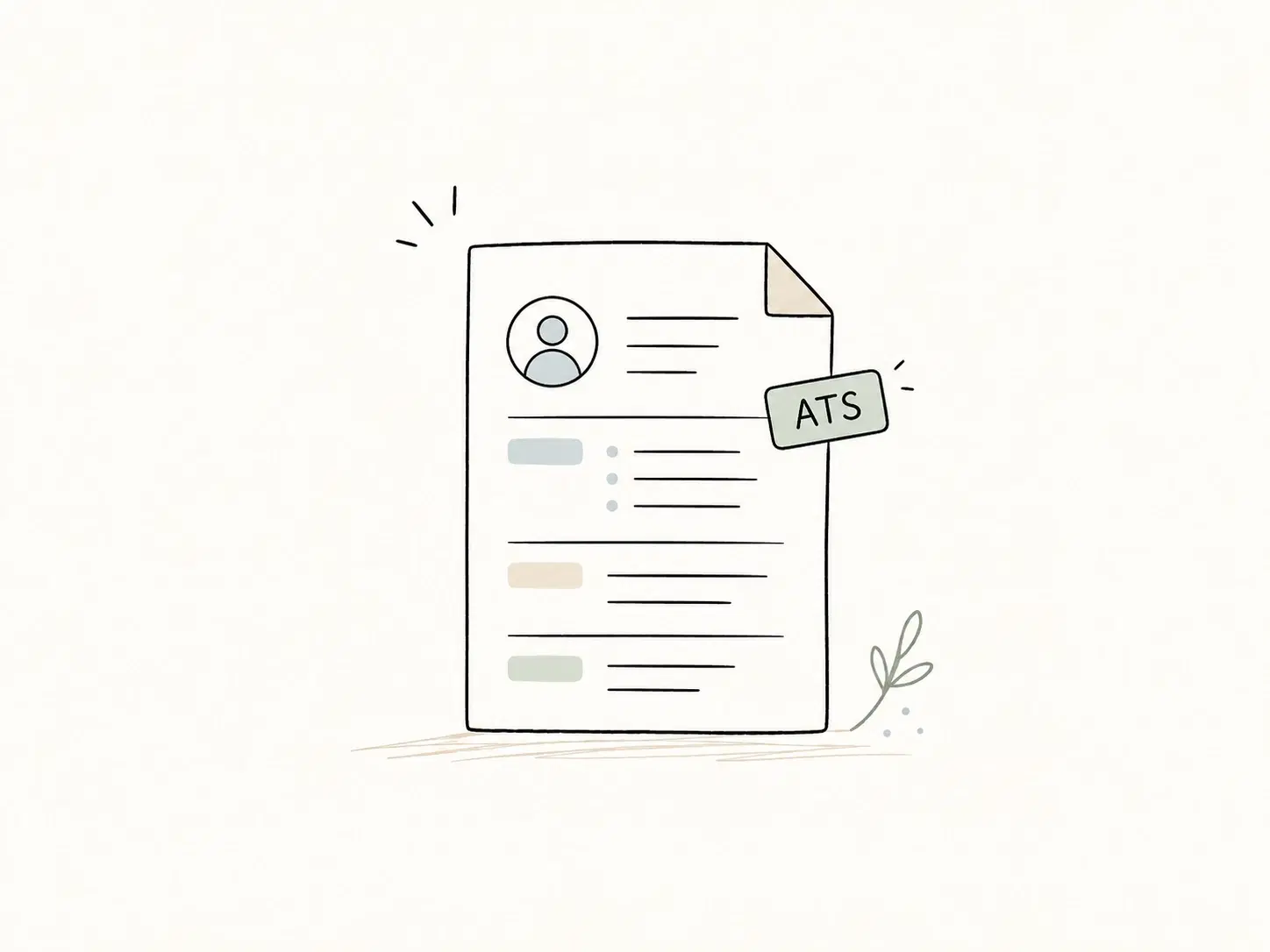
Changes you make to your Self page can now become an updated resume PDF. Add your latest role, refine your experience, or update your skills, then download a fresh CV with those changes for your next application.
Resume export covers two common needs: getting your updated content back as a resume and downloading a PDF optimized for applicant tracking systems (ATS). An editable TXT download is available too. Both formats are included on every plan, including Free.
When an application asks for a resume file, your ATS-optimized PDF is ready. Share your Self page to show your work, express your personality, and give recruiters more reasons to start a conversation.
Turn your Self page edits into an updated resume PDF
Start with your uploaded resume, create your page, and keep improving your content in Self. When you need a resume again, export your latest page content as a PDF. The experience descriptions, projects, and skills you have edited carry through to the download, so you can maintain your website and resume from the same content.
What makes this an ATS-optimized resume PDF?
An applicant tracking system, or ATS, helps employers manage applications. Resume parsing extracts information from a document into fields such as work history and contact details. Our PDF export gives that information a consistent, readable structure.
- A single-column resume layout with a clear reading order.
- Selectable text and embedded fonts, so your experience stays text inside the PDF.
- Conventional section headings, including Experience, Skills, and Education, in your page language.
- Your name and contact information in the main document body.
- Readable dates, clear job and employer details, and visible, clickable web links.
Greenhouse lists columns, graphics, and unclear sections among potential resume parsing problems. These are useful reasons to choose a straightforward application document.
ATS optimized describes the export format. For each application, follow the requested file type and review any fields filled from your upload. Keep relevant skills and job-description terms in your content where they accurately describe your experience.
How to export your resume to PDF in Self
- Open your generated page in Studio and review your content, section order, and enabled sections.
- Select Download CV in the page preview toolbar. It is also available in fullscreen preview.
- Keep PDF selected and choose Download PDF. Your browser will download the file when it is ready.
You can also open Download CV from a page card menu in My Pages or Recent Projects. Preview downloads use your current editor content, including unsaved edits. Card-menu downloads use the latest saved version of that page.
PDF or TXT: choose the format you need
Choose PDF for a formatted resume attachment with clear typography, organized sections, and clickable links. Self uses a monochrome A4 layout that lets longer career histories continue across pages while keeping short entries together.
Choose TXT when you want editable resume text for an application form, a document editor, or a quick revision. The plain-text export keeps your content and custom section labels in a UTF-8 text file.
A PDF for the application, a personal page to stand out
An ATS-optimized PDF serves the application process with a familiar, readable account of your experience. Your personal webpage helps a recruiter see what makes you different: the projects you are proud of, how you approach your work, and the person behind the job titles.
Your page gives you space beyond a concise resume: project images, videos, fuller stories, and your own voice. Show your work in action, explain the choices behind it, and share the results. That context gives someone more reasons to remember you and start a conversation.
Share your Self link alongside the PDF when you apply. Both can use the same updated content: the exported CV follows your enabled sections and their order, while your page gives your work and personality room to be explored.
Free resume PDF export on every plan
PDF and TXT downloads are available on Free, Pro, and Team for pages with a ready preview. Exporting reuses your page content and does not consume a generation or AI-edit allowance. You can download a CV before publishing your website.
Questions about your ATS-friendly resume export
Does the PDF use my website template?
Every Self page uses the same dedicated resume PDF layout. Your website keeps its selected design, while the download uses a consistent application format with text, dates, sections, and links.
Can I update my CV after downloading it?
Yes. Edit your page content in Self and export a fresh copy whenever you need one. Use the preview download to include your latest edits, or save the page before downloading from its card menu.
Already have a page? Open Studio and download your CV. Getting started? Turn your resume into a website and explore our resume website templates to create a professional page you can share online and export as a PDF.