

Self vs Adobe Portfolio: Show the Work and Your Part in It
Self gives your projects a polished presentation alongside the experience behind them. Adobe Portfolio starts with the creative portfolio. Choose Self to make the work and your contribution readable together.

Javier Martínez Samblas
Founder of Self · AI-powered resume-to-website platform
Beautiful work deserves more than a caption with your name. A professional portfolio should make your contribution clear. Self puts selected projects beside your experience in a designed career website, so the reader can see the result and understand what you brought to it.
Self vs Adobe Portfolio at a glance
Starting point
Self
Resume and portfolio material
Adobe Portfolio
Creative projects and site pages
Career context
Self
Generated experience and professional sections
Adobe Portfolio
Career information you add and arrange
Project presentation
Self
Media beside your career history
Adobe Portfolio
Project pages and visual galleries
Choose it for
Self
Work and professional contribution together
Adobe Portfolio
A site organized around creative projects
| Decision point | Self | Adobe Portfolio |
|---|---|---|
| Starting point | Resume and portfolio material | Creative projects and site pages |
| Career context | Generated experience and professional sections | Career information you add and arrange |
| Project presentation | Media beside your career history | Project pages and visual galleries |
| Choose it for | Work and professional contribution together | A site organized around creative projects |
The finished image does not explain the whole achievement
Adobe Portfolio supports project and custom pages for presenting creative work. You can add career information too. The editorial job is deciding how those pieces explain your contribution, beyond displaying the finished projects.
A campaign image may look impressive, but were you the art director, the photographer, or part of the production team? What problem did you solve? Which experience prepared you for it? Our view: that context belongs close to the work, where it can strengthen the first impression.
Self connects the portfolio to the professional
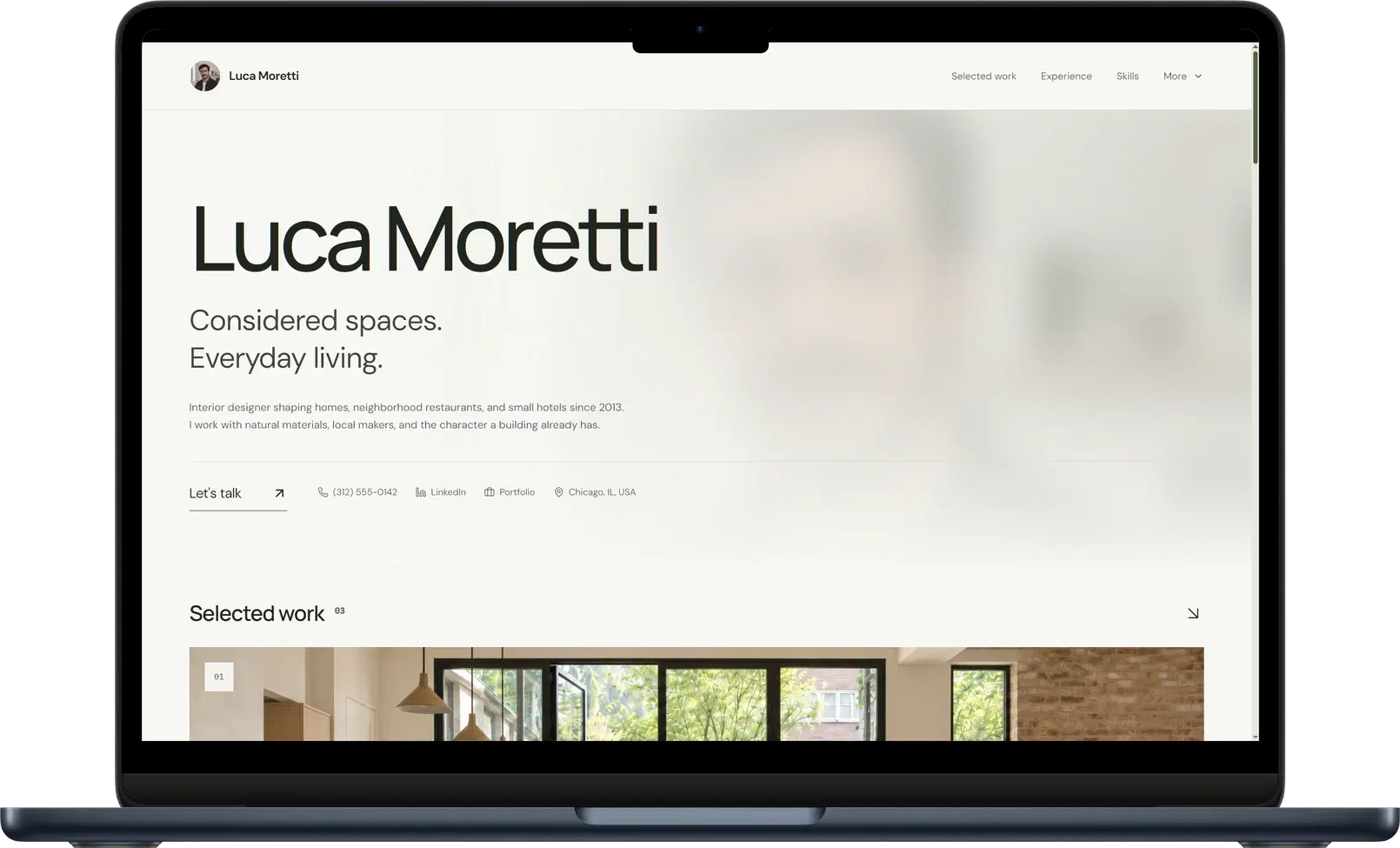
Start with your resume or portfolio and Self generates the career sections. Add selected project images, video, descriptions, and links. Your role and background give the reader a framework for understanding the work they are looking at.
For a brand project, you could show the final identity and explain the brief you handled. For a film, you could include a video and describe your responsibility in the team. Self gives the project and the career history a place together, while you supply the details that make the contribution clear.
See the project media workflow for the ways you can present that evidence.
Let the design carry the work without losing the story
Gallery brings visual samples forward. Editorial suits a profile where explanation and selected work need room to breathe. You can choose a template around the presentation you want, then refine the introduction and projects inside a consistent layout.
Explore the portfolio website builder and template examples. Judge how the work, role, and experience read together, rather than judging the first image alone.
Verdict: choose Self to present the contribution behind the work
Choose Self when your website should help someone understand both your portfolio and your professional experience. Give your projects a polished visual home and your role in them the attention it deserves.
Create your portfolio website with Self.
Self vs Adobe Portfolio: common questions
Is Self suitable for creative portfolios? Yes. Project sections support images, video, links, and descriptions. Templates such as Gallery let you bring visual work into the same professional page as your experience.
Can Adobe Portfolio include a resume? It supports custom pages as well as projects, so you can add career information. Self starts from existing career material and generates professional sections, giving the experience and selected work a shared structure.
Are all Self templates included for free? The free plan includes a selection of templates and one hosted page with Self branding and no search indexing. Pro and Team unlock all templates, including Gallery, plus design controls, custom domains, analytics, and search visibility controls.