
Self vs Framer: A Portfolio Without Becoming the Designer
Self gives your career a polished website from the resume or portfolio you already have. Framer AI still puts you in charge of the site design. Show your professional work without taking on a web design brief.

Javier Martínez Samblas
Founder of Self · AI-powered resume-to-website platform
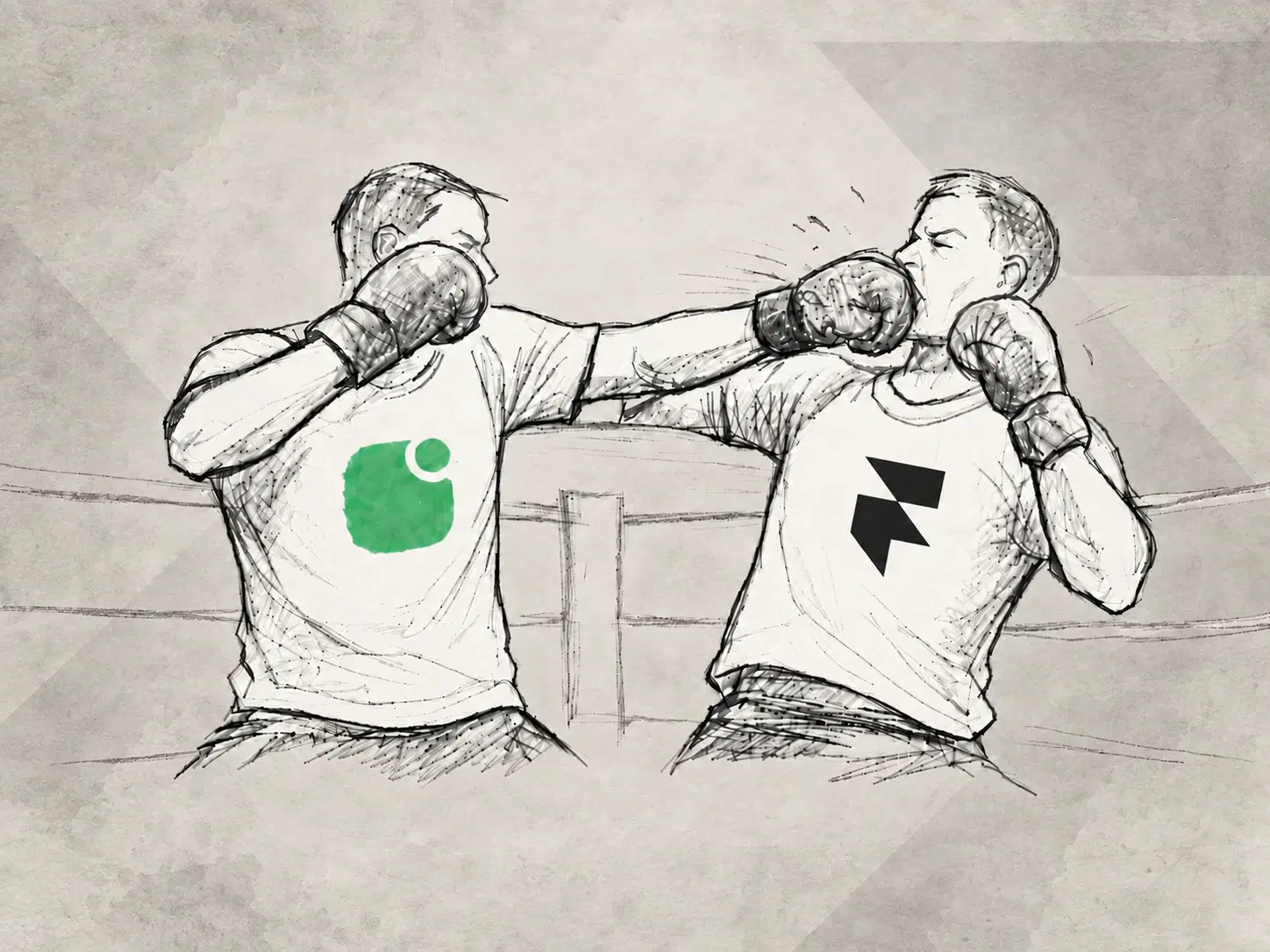
Your portfolio should show the work you want to be hired for. It should not require a second job designing the website around it. Self turns your resume and selected projects into a polished professional page, with a visual direction you can choose rather than invent.
Self vs Framer at a glance
Starting point
Self
Existing resume or portfolio
Framer
Website prompt and design brief
AI output
Self
Structured professional sections
Framer
Editable website pages and elements
Design responsibility
Self
Choose a curated career template
Framer
Direct and refine the site design
Main goal
Self
Present your professional work
Framer
Create a custom website presentation
| Decision point | Self | Framer |
|---|---|---|
| Starting point | Existing resume or portfolio | Website prompt and design brief |
| AI output | Structured professional sections | Editable website pages and elements |
| Design responsibility | Choose a curated career template | Direct and refine the site design |
| Main goal | Present your professional work | Create a custom website presentation |
AI can build the draft while leaving you the art direction
Framer AI creates editable website pages from a prompt and lets you refine them through chat or its canvas. The site design remains yours to direct: what should lead, how the pages should work, and how the visual system should hold together.
That is a creative project in its own right. Our view: unless website design is part of what you want to demonstrate, it can distract from the portfolio you actually need. A consultant, researcher, or engineer should be able to get a considered web presentation without first becoming its art director.
Self puts the design decisions into the template
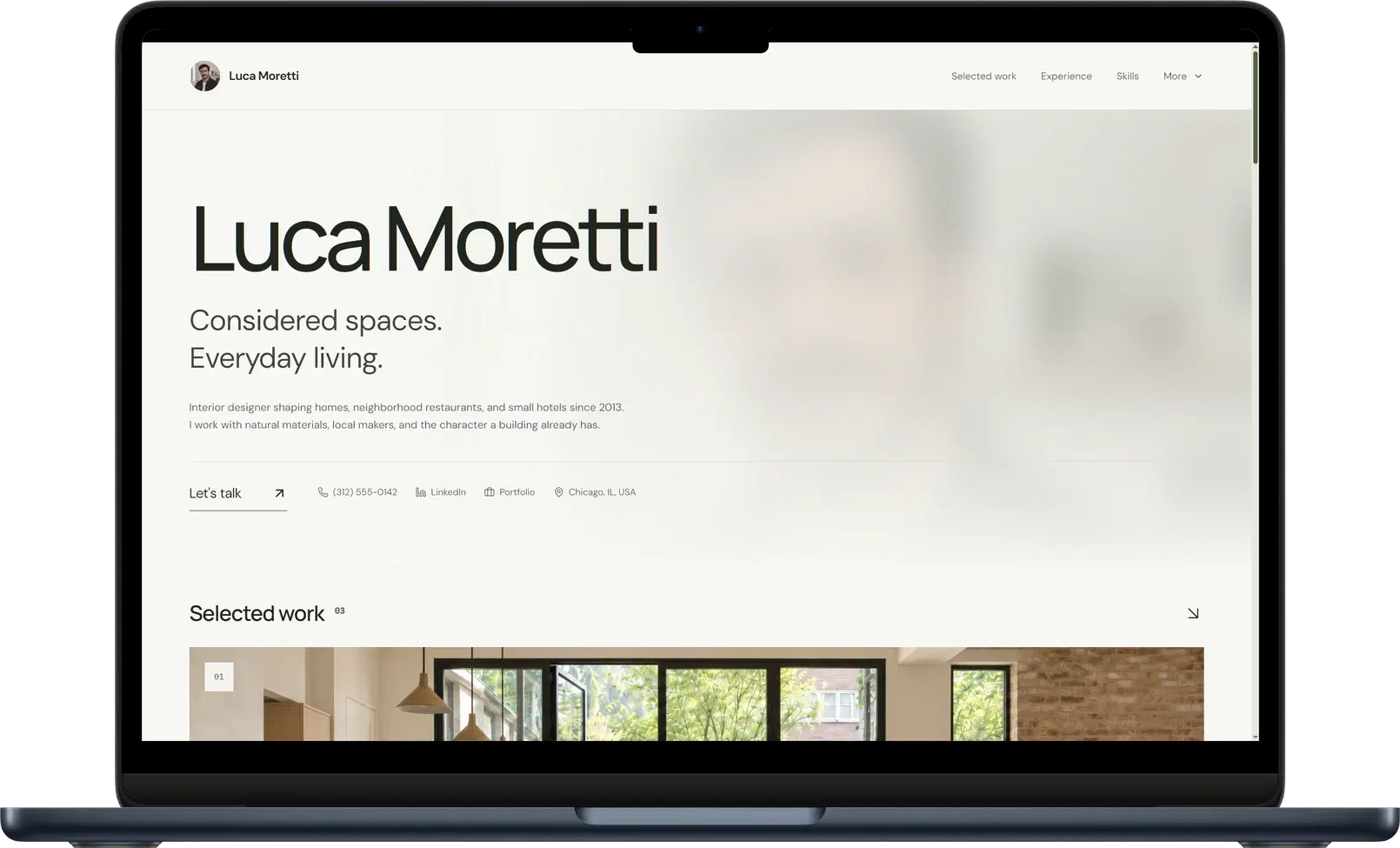
Self begins with your career material and generates the professional sections. Choose a curated template, then refine the content and add selected work. The design already establishes the typography, spacing, and hierarchy for that kind of page.
Gallery makes visual projects prominent. Dossier organizes a detailed career history. Minimalistic keeps the presentation restrained. You can choose a look that suits the work instead of specifying a new visual system for it.
Browse the career website templates and portfolio website builder to judge the result. The page is responsive and hosted, with project sections ready for images, video, descriptions, and links.
Make the project the thing worth inspecting
A product manager might show a launch and explain the decisions they owned. An engineer might link a working demo beside a description of the problem solved. Those are the details that give the reader something to assess. Self brings them together with the experience behind them.
You still curate the work and review the generated text. The useful effort goes into accuracy, selection, and explanation, inside a website whose visual structure is already resolved.
Verdict: choose Self to showcase your profession
If designing a custom website is itself the work you want to show, Framer addresses that task. For a polished website presenting the career and projects you already have, choose Self. Let the portfolio be about your professional work.
Turn your career material into a website with Self.
Self vs Framer: common questions
Does Framer also use AI? Yes. Framer AI generates editable site content and design from a prompt. Self uses existing career material to generate professional sections within a curated website template.
Can Self show visual projects? Yes. You can add images, video, links, and descriptions to project sections alongside your experience. Choose a template such as Gallery when you want that visual work to lead.
Can I customize the design in Self? You can choose a template and edit content. Pro and Team add all templates, supported color and typography controls, AI edits, custom domains, and analytics. Free pages carry Self branding and are not indexed by search engines.