Self vs Canva: Stop Laying Out Your Career by Hand
Canva is a design powerhouse, but a personal website should not become a design project. Self turns your CV into a polished website with your experience and projects already organized.

Javier Martínez Samblas
Founder of Self · AI-powered resume-to-website platform
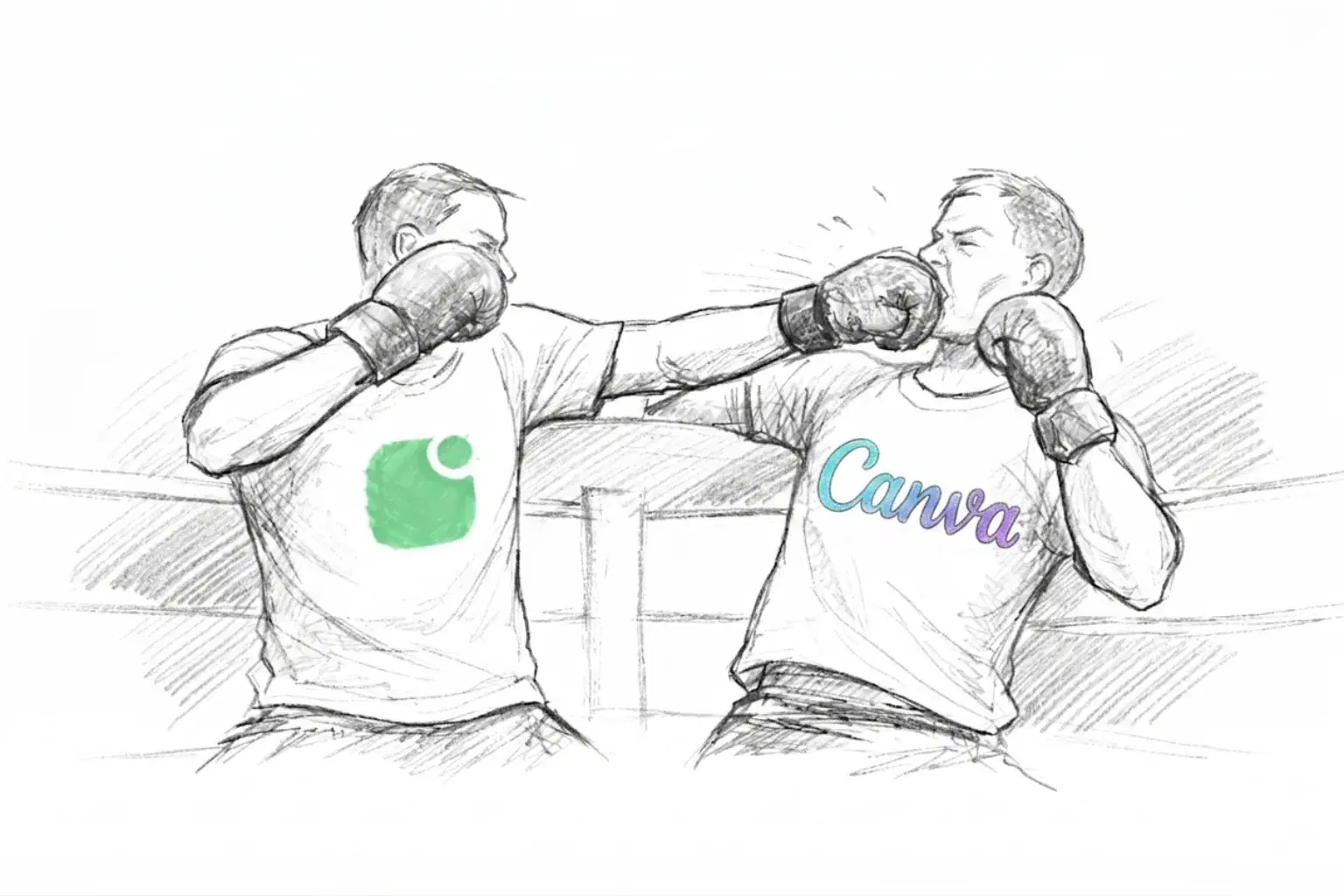
Canva is a design powerhouse. If you have used it, you may recognize how a simple task can turn into moving text boxes, tweaking spacing, and trying one more layout. That flexibility can feel tedious when all you want is a professional page. Having a personal website should not become a design project. Self organizes your CV into a designed website you can review, refine, and publish.
Self vs Canva at a glance
Starting point
Self
Your resume or portfolio
Canva
A website design to customize
Career sections
Self
Generated from your material
Canva
Content composed in the editor
Project presentation
Self
Media with professional context
Canva
Media placed in your design
Main task
Self
Refine a generated career website
Canva
Compose and style your website
| Decision point | Self | Canva |
|---|---|---|
| Starting point | Your resume or portfolio | A website design to customize |
| Career sections | Generated from your material | Content composed in the editor |
| Project presentation | Media with professional context | Media placed in your design |
| Main task | Refine a generated career website | Compose and style your website |
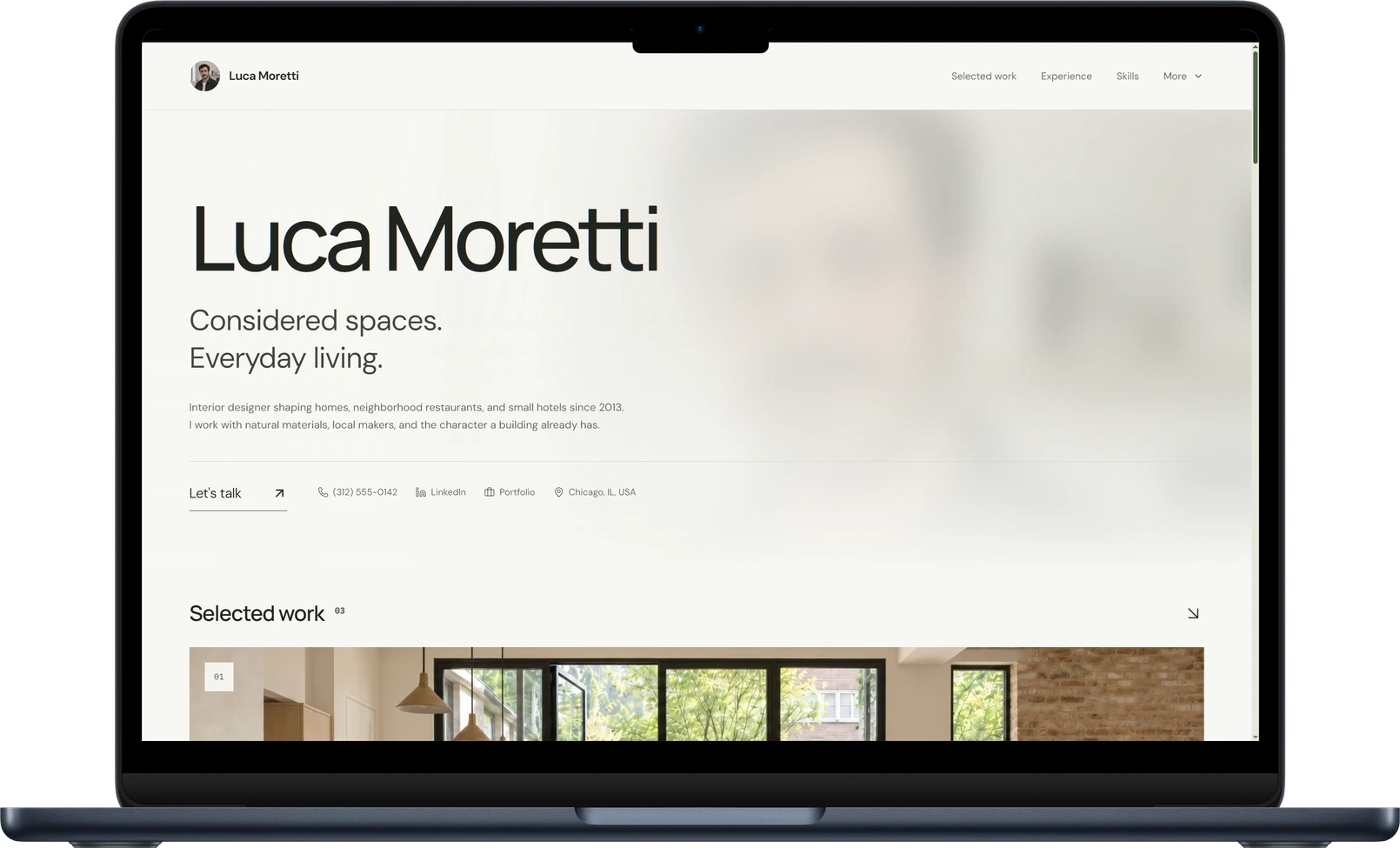
See the real CV-to-website example and open Ingrid's published Corporate website to inspect the result. This is the workflow behind our recommendation.
A design editor leaves the editorial decisions to you
Canva Websites supports responsive websites, multiple pages, custom-domain options, templates, and AI tools. Self starts with the professional material in your CV and generates a designed career page to review. For that job, our recommendation is Self.
Canva's flexibility gives you plenty of choices. For a personal page, choosing a layout, fitting in your experience, and adjusting every section can become a project of its own. Our view: that effort is unnecessary when your goal is simply to put your career online. Self gives you the structure and design together, so you can spend your time reviewing the content and showing your work.
Start with your career already on the page
Self uses your resume, portfolio, or career notes to generate professional sections. Your first editing task is to check and sharpen the story. Add an image of a finished project, explain your role, and link to the result. Experience and evidence belong together from the outset.
The design supports that structure. Gallery brings work samples forward; Minimalistic gives career details a restrained, readable presentation. Typography, spacing, and section hierarchy work as a system, so adding your content does not require inventing one.
Explore the resume website templates to see those directions, or read about Self as a Canva alternative.
A portfolio should explain what the work proves
Suppose you are showing a campaign you helped launch. A strong page gives the reader the visual work, your role, and the experience behind it. Self provides project sections for those details alongside your professional history. You supply the substance; the page gives it a coherent home.
Verdict: choose Self for a career website ready to refine
Choose Self when you want a polished resume website from material you already have. Canva gives you a place to design the page. Self gets your career into a website so your attention can go to what it says.
Create your resume website with Self.
Self vs Canva: common questions
Can Canva publish a resume website? Yes. Canva supports website publishing and visual customization. Self generates the professional sections from your resume or portfolio, which removes the need to compose that career structure yourself.
Can I add visual work to Self? Yes. Project sections can include images, video, descriptions, and links. Use them to show what you made and explain your contribution beside your experience.
What can I publish for free with Self? One hosted page on a self.cv address with Self branding. Free pages are not indexed by search engines. Pro and Team add all templates, design controls, custom domains, analytics, and search visibility controls.