
Self vs WordPress.com: Publish Your Career, Skip the Setup
Self turns your resume into a polished professional website. WordPress.com starts a broader publishing project. Give your experience and selected work a designed home without planning a site around them.

Javier Martínez Samblas
Founder of Self · AI-powered resume-to-website platform
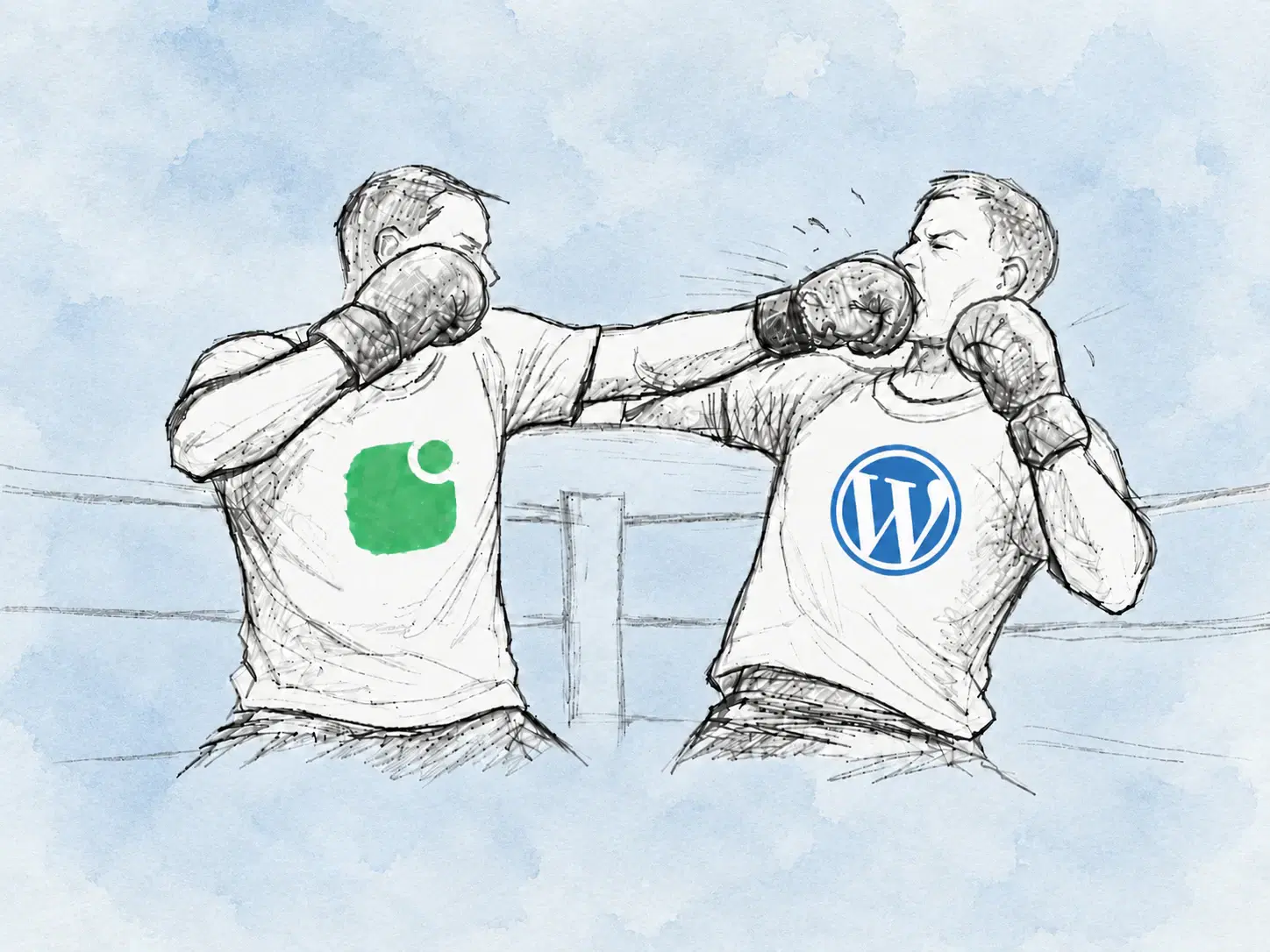
A career website should not come with an editorial calendar in your head. You need a place to explain your experience, show selected work, and make contact easy. Self builds that professional page from your existing material, with a curated design ready for you to refine.
Self vs WordPress.com at a glance
Starting point
Self
Resume or portfolio material
WordPress.com
Website brief or site template
Career organization
Self
Generated professional sections
WordPress.com
Content arranged across your site
Editing focus
Self
Your experience and selected work
WordPress.com
Site pages, navigation, and publishing
Choose it for
Self
A dedicated professional presence
WordPress.com
A broader publishing website
| Decision point | Self | WordPress.com |
|---|---|---|
| Starting point | Resume or portfolio material | Website brief or site template |
| Career organization | Generated professional sections | Content arranged across your site |
| Editing focus | Your experience and selected work | Site pages, navigation, and publishing |
| Choose it for | A dedicated professional presence | A broader publishing website |
An AI draft still leaves you a site to direct
WordPress.com's AI builder creates a site from a brief and lets you customize its pages. This comparison concerns the hosted WordPress.com service. The issue for a resume website is the publishing structure you choose, rather than running a server.
Do you want a blog, separate project pages, or a growing library of content? Those are useful questions when publishing is the goal. They are distractions when you came to put your professional experience online. You do not need to plan for a future publication before sharing a strong introduction today.
Self organizes the information you already maintain
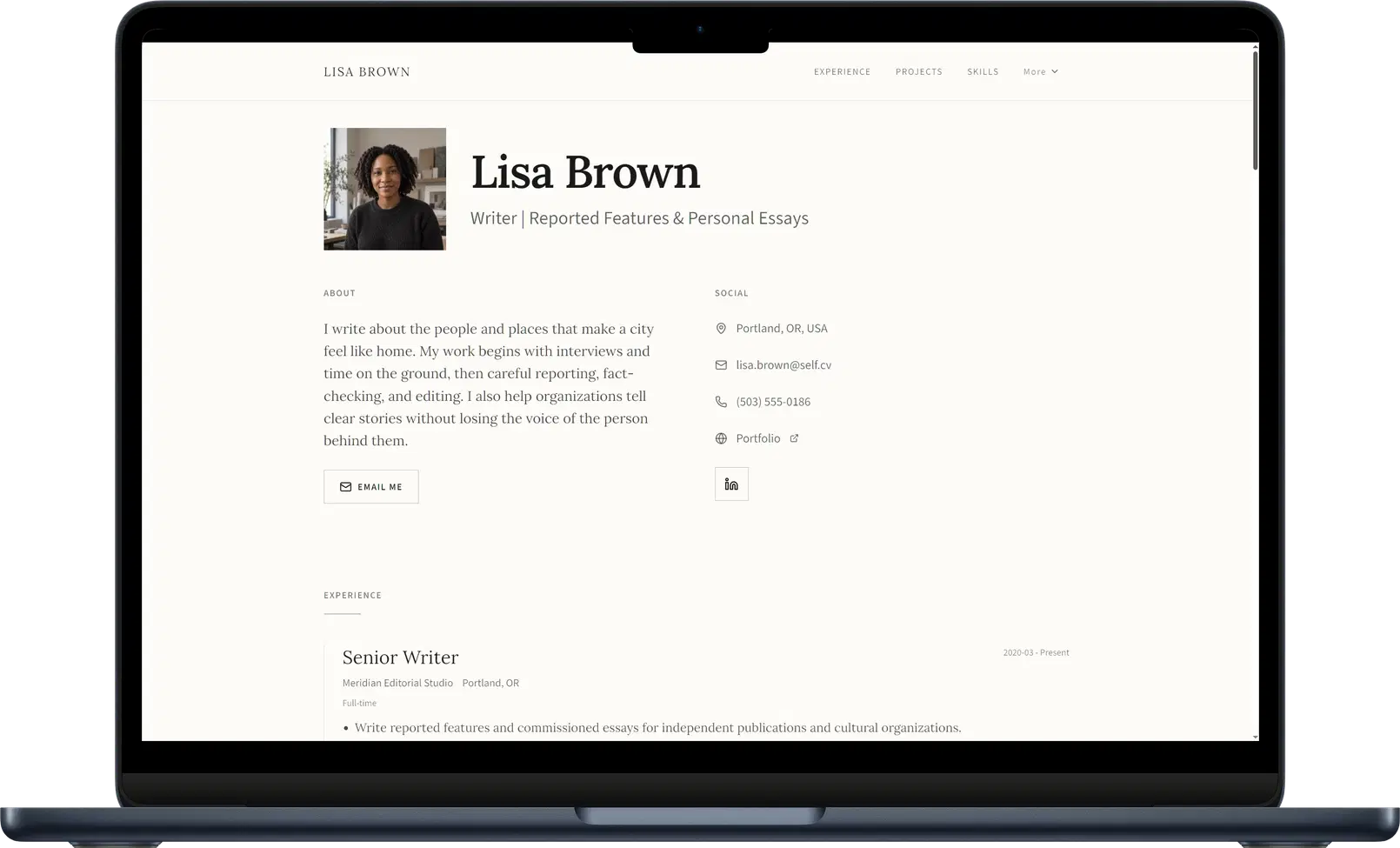
Your resume and portfolio already contain the material that matters. Self turns it into career sections, then gives you the controls to review the text, choose a template, and add selected work. The first draft is organized around your professional history.
Put a role beside the project it produced. Add a description of what you contributed, an image or video, and a link to the result. The reader can understand the background and inspect the evidence from one professional page.
See the resume-to-website workflow and online resume website for the presentation that material can become.
A considered page is enough to make the introduction
Editorial creates a clear reading rhythm for an introduction, experience, and selected projects. Dossier suits a more detailed professional history. These designs give the content a deliberate hierarchy without asking you to define a new site architecture.
Browse the career website templates. Choose the presentation that fits the work you want to share, then publish it on a hosted, responsive page.
Our position: publish the career you can explain today. Add the experience and work that make you credible, and keep the page current as they change. A professional presence does not need a stream of new posts to justify its existence.
Verdict: choose Self for your professional home
Choose Self for a polished career website from your existing resume or portfolio. WordPress.com serves a wider publishing ambition; your professional introduction can be ready without taking that on.
Create your career website with Self.
Self vs WordPress.com: common questions
Is this about WordPress.com or WordPress.org? WordPress.com, the hosted service. The comparison focuses on its site-building workflow. It does not assume that you must manage hosting or software updates yourself.
Do I need a blog for a Self website? No. Self presents your experience and selected work as a professional page. You can update the content as your career develops without planning regular posts.
Can I start with a free Self page? Yes. One page can stay live on a self.cv address with Self branding and no search indexing. Pro and Team unlock all templates, custom domains, analytics, and search visibility controls.