

How to Create a Portfolio Website as a Freelancer: Complete 2026 Guide
Create a freelance portfolio website that explains your services, proves how you work, presents selected projects, and gives the right clients a clear next step.

Javier Martínez Samblas
Founder of Self · AI-powered resume-to-website platform
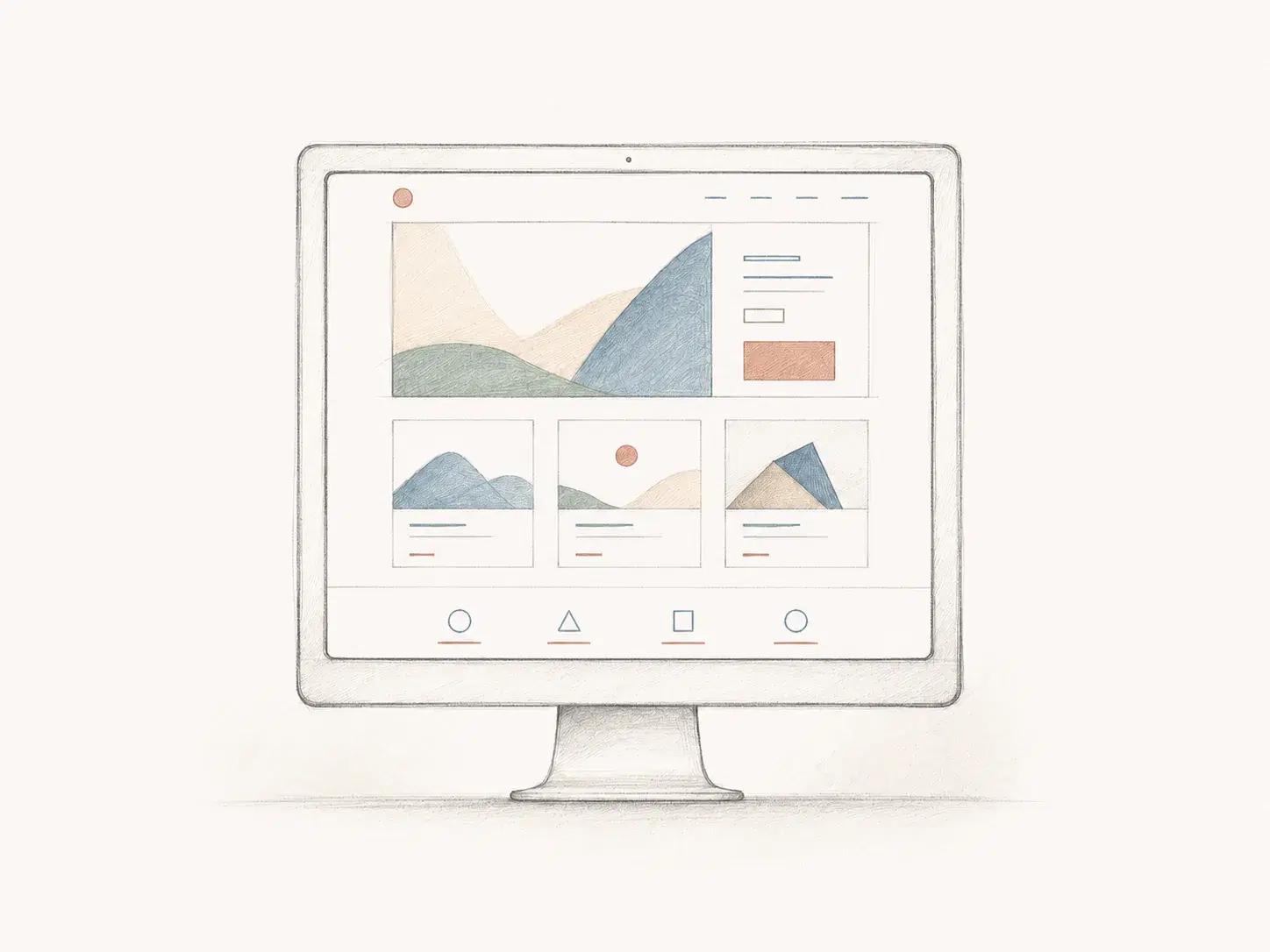
A freelance portfolio website should make it easy for the right person to understand what you do, decide whether your experience fits their problem, inspect useful evidence, and contact you. It is not merely an online folder of finished work. It is a focused professional page that connects a service to proof and proof to a sensible next step.
That distinction matters because freelance visitors behave differently from recruiters. A recruiter may already know the role, salary range, team, and hiring process. A potential client often arrives with an incomplete brief and a less tidy question: can this person help, do they understand work like mine, and what happens if I get in touch? Your website needs to answer those questions without turning into a forty-page agency presentation or a biography beginning with your childhood relationship to creativity.
What a freelance portfolio website is actually for
A resume records your career. A freelance website translates that career into a client-facing offer. It can still include employment history, qualifications, and a downloadable CV, but those elements support the decision rather than controlling the structure. The page should lead with relevance: who you help, what you can deliver, what kind of work proves it, and how a project can begin.
The website does not have to close a complex engagement by itself. Its practical job is to create enough clarity and trust for the next conversation. A visitor should not need to decode job titles, guess which services are available, or search three social profiles for an email address.
Choose how you will build the website
Choose a publishing workflow that leaves you time for clients. Self turns your existing career material into a professionally designed website. You can also code a site or use a general website builder if you want to direct its construction yourself.
Code it yourself
Main advantage
Complete control over design, behavior, hosting, and technical details
Main cost
Development, accessibility, deployment, and maintenance all remain your responsibility
Best fit
Developers whose website itself provides relevant technical evidence
Use a general website builder
Main advantage
Manual visual control without programming
Main cost
You still begin with a blank structure and make every content and layout decision
Best fit
Freelancers who enjoy hands-on design and need a broader business website
Start from your resume with Self
Main advantage
Your experience and projects become a professionally designed website
Main cost
Choose the services, projects, and results you want clients to see
Best fit
Professionals who want to spend their effort on positioning and evidence instead of site assembly
| Method | Main advantage | Main cost | Best fit |
|---|---|---|---|
| Code it yourself | Complete control over design, behavior, hosting, and technical details | Development, accessibility, deployment, and maintenance all remain your responsibility | Developers whose website itself provides relevant technical evidence |
| Use a general website builder | Manual visual control without programming | You still begin with a blank structure and make every content and layout decision | Freelancers who enjoy hands-on design and need a broader business website |
| Start from your resume with Self | Your experience and projects become a professionally designed website | Choose the services, projects, and results you want clients to see | Professionals who want to spend their effort on positioning and evidence instead of site assembly |
Do not choose a production method because it sounds impressive. A freelance writer gains little from spending two weeks learning a JavaScript framework for the About section. A frontend developer may reasonably treat the build as a project. The method should support the service, not become an unrelated second profession.
Step 1: choose one primary client type and one useful outcome
Begin with the person the page needs to persuade. 'Small businesses' is usually too broad. A freelance product designer might focus on early-stage B2B software teams preparing a complex feature for launch. A translator might work with European research organizations publishing technical reports in English and Spanish. A photographer might serve independent hospitality brands that need a consistent library of images for booking platforms and social channels.
This does not prohibit other work. It gives the page a center of gravity. When the primary visitor is clear, you can choose the right projects, explain services at the right level, and remove material that merely proves you have been busy. Write one private planning sentence: 'I help [specific client] achieve [useful outcome] through [service or capability].' It can later become a headline, but its first job is to guide editing.
Step 2: turn your career history into client-facing evidence
Most freelancers do not start with nothing. They start with evidence trapped in the wrong format: a resume written for employers, work completed inside a company, coursework, personal projects, volunteer contributions, or freelance jobs described only by deliverable. Make an inventory before deciding what appears on the site.
- Projects that resemble the problems you want future clients to bring.
- Employment achievements that show relevant judgment, ownership, scale, or domain knowledge.
- Public deliverables such as websites, articles, campaigns, talks, code, reports, photographs, or products.
- Recommendations, credentials, awards, media mentions, and professional affiliations that genuinely reduce uncertainty.
- Methods, tools, languages, industries, and working practices that matter to the intended client.
- Constraints you handled well, including deadlines, difficult source material, multiple stakeholders, accessibility, or complex handoffs.
A CV can provide the factual foundation. Self's resume-to-website workflow can organize that material into a page, but the valuable freelance edit comes next. Replace internal responsibility language with the problem, contribution, and outcome a client can understand. Keep every claim accurate and do not upload or publish confidential employer material merely because it would make a handsome project card.
Step 3: give the page a client-friendly structure
A freelance portfolio website does not need many pages at launch. One well-organized page can establish the offer, show evidence, and invite contact. Separate service or project pages become useful when the material genuinely needs depth or you are targeting distinct search intentions. Navigation should reflect decisions visitors want to make, not the folders in which you stored the content.
Introduction
Question it answers
Am I in the right place?
Useful content
Your role, intended client, relevant outcome, and primary action
Services
Question it answers
What can I actually hire you to do?
Useful content
Two to four defined offers with scope, deliverables, or engagement type
Selected work
Question it answers
Have you handled something relevant?
Useful content
A small set of projects with context, contribution, decisions, and results
Credibility
Question it answers
Why should I trust you?
Useful content
Experience, testimonials, recognizable outputs, credentials, or thoughtful process evidence
Process
Question it answers
What happens after I contact you?
Useful content
A short path from enquiry and scoping to delivery and handoff
About
Question it answers
Who will I be working with?
Useful content
Relevant background, point of view, location or time zone, and collaboration style
Contact
Question it answers
What is the next step?
Useful content
A clear invitation, safe contact route, and useful expectations
| Section | Question it answers | Useful content |
|---|---|---|
| Introduction | Am I in the right place? | Your role, intended client, relevant outcome, and primary action |
| Services | What can I actually hire you to do? | Two to four defined offers with scope, deliverables, or engagement type |
| Selected work | Have you handled something relevant? | A small set of projects with context, contribution, decisions, and results |
| Credibility | Why should I trust you? | Experience, testimonials, recognizable outputs, credentials, or thoughtful process evidence |
| Process | What happens after I contact you? | A short path from enquiry and scoping to delivery and handoff |
| About | Who will I be working with? | Relevant background, point of view, location or time zone, and collaboration style |
| Contact | What is the next step? | A clear invitation, safe contact route, and useful expectations |
The order can change. A visual specialist may lead with work, while a consultant with a narrow, high-value offer may establish the service and business problem first. Preserve one reading path: promise, proof, confidence, action.
Step 4: write a headline that helps the right client recognize themselves
A useful freelance headline is specific enough for the right client to recognize themselves. 'Freelance designer' names a profession. 'Product designer helping B2B SaaS teams simplify complex onboarding' adds a client, context, and problem. It does not promise a guaranteed conversion increase or claim to transform an industry before breakfast.
Support the headline with a short paragraph explaining the work, relevant experience, and type of engagement you are open to. Avoid listing every tool above the fold. Tools rarely explain why a client should care, and a wall of logos can make an experienced specialist look like a software trial account collector.
Step 5: describe services with a clear scope
Potential clients need to know what they can request. Name each service in familiar language, explain the problem it addresses, identify the main deliverables, and establish important boundaries. 'Content strategy' is vague. 'A four-week content audit and roadmap for B2B product teams' gives the visitor something they can imagine discussing.
You do not have to publish fixed prices when the work varies substantially, but silence about scope creates unnecessary friction. You can state a typical format, duration, starting point, or the factors that affect an estimate. Do not invent packages merely to fill three pricing cards. Two services with clear differences are better than Bronze, Silver, and Gold versions of uncertainty.
- Define the client situation or trigger that makes the service useful.
- List the main output or change the client receives, not every task you perform internally.
- Clarify whether the work is a project, retainer, audit, workshop, advisory engagement, or another format.
- Mention exclusions that prevent predictable misunderstandings, while keeping detailed terms for the proposal or contract.
- End with a relevant next step such as discussing the brief, checking availability, or requesting a scoped estimate.
Step 6: turn portfolio pieces into persuasive case studies
A project gallery shows taste and range. A case study helps a client understand whether you can handle their situation. Each selected project should explain the context, the problem, your exact role, the important decisions, the output, and the result. Keep the case proportionate: many projects need three focused paragraphs and a few relevant visuals, not a documentary series.
Separate your contribution from the team's result. Explain what you owned, where others influenced the work, and what constraints shaped the decision. When you cannot disclose a client, metric, or asset, follow the agreement and obtain permission rather than assuming anonymization makes publication safe. Generalized context, an approved description, a reconstructed example, or an honest statement that the work is confidential may be the correct boundary.
Results do not always need percentages. A delivered system, approved direction, successful launch, reduced ambiguity, documented handoff, repeat engagement, or precise lesson can provide evidence. Never attach imaginary business results to speculative work. Label self-initiated projects clearly and evaluate them through the quality of the problem, reasoning, execution, and testing you actually completed.
Use visuals only when they help the reader assess the work. Self supports project media in portfolio pages, but a beautiful image still needs a caption or nearby explanation that identifies what matters and what you contributed.
Step 7: build credibility before you have perfect testimonials
Testimonials are useful when they are specific, genuine, and published with permission. They are not the only form of trust. A clear process, carefully attributed work, professional experience, a relevant qualification, public writing, a referral, or a thoughtful explanation of limitations can all reduce uncertainty.
If you have no freelance testimonials, do not write fictional ones or ask a friend to review a service they never received. You may request a recommendation from a former manager, colleague, professor, collaborator, or volunteer organization about qualities they directly observed. Describe the relationship accurately. 'Managed Maya for two years on enterprise research projects' is honest context; presenting the same person as a satisfied freelance client is not.
Step 8: explain the process and make contact easy
A short process section reassures clients that the work will not disappear into an inbox-shaped cave. Explain what happens after contact: initial fit check, brief or discovery call, scoped proposal, agreement and deposit where applicable, working stages, review, delivery, and handoff. The exact flow depends on your service, but it should show that the engagement has boundaries and decisions.
Use one primary call to action. 'Discuss your project' can lead to a concise form or professional email. Ask only for information needed to judge the next step, such as the organization, problem, desired outcome, approximate timing, and contact details. Do not demand a fully written procurement document before saying hello. State a realistic response expectation if you can maintain it, and never publish a personal phone number or home address merely to appear available.
Step 9: design for clarity, accessibility, and real devices
The design should support the kind of work you sell. A creative freelancer may need a stronger visual point of view; an adviser handling sensitive operational work may benefit from restraint. In both cases, the page must remain readable, fast enough on ordinary connections, usable by keyboard, and coherent on a phone.
Add text alternatives according to the purpose of each image rather than stuffing keywords into every description. The W3C image alternative decision tree distinguishes informative, functional, redundant, and decorative images. Portfolio visuals often need a concise description plus visible case-study context; decorative marks should not create noise for assistive technology.
- Use clear headings, readable contrast, sensible type sizes, and visible focus states.
- Compress images without making the work difficult to inspect and provide dimensions to prevent layout movement.
- Test every link, form, video, and project interaction on both desktop and mobile.
- Avoid motion that blocks reading or ignores reduced-motion preferences.
- Do not place essential project explanations inside images where they cannot be selected, translated, or read reliably.
Step 10: choose a professional web address and add search basics
A clean hosted address is enough to publish. A custom domain can make the site easier to remember and gives you an address that remains useful across proposals, email signatures, social profiles, and future platform changes. Choose a name you can say aloud without explaining a tactical arrangement of hyphens. If you use Self, you can follow the built-in flow to connect a custom domain without rebuilding the page.
Give the page a concise, descriptive title and summary, use one clear main heading, keep important text visible as real HTML, and write link labels that describe their destination. Google's SEO Starter Guide emphasizes helping both people and search engines understand the content. That is more useful than repeating 'best freelance designer' until the page sounds anxious.
Search targeting should follow the service. A general homepage can position your overall practice, while a genuinely distinct service may deserve its own page with a specific audience, problem, proof, and contact route. Do not create dozens of thin location or industry pages whose only difference is the noun in the heading. Publish pages when you have enough relevant information to make them useful.
Step 11: review, publish, and distribute the same link
Before launch, verify names, dates, links, permissions, claims, service boundaries, spelling, mobile layout, metadata, and the contact route. Ask someone who resembles the intended client to answer four questions after scanning the page: what do I offer, who is it for, what evidence felt strongest, and how would you contact me? Confusion in those answers is more valuable than praise for the color palette.
Publish when the site is coherent, not when it contains every future project. Add the link to your email signature, LinkedIn profile, proposals, marketplace profiles, professional directories, talks, author biographies, and relevant outreach. Keep one canonical address instead of sending different half-maintained portfolios depending on where a lead appeared.
Review the site when your offer changes, a stronger project becomes public, availability shifts, or a claim is no longer current. A quarterly check is enough for many freelancers. The goal is not constant redesign. It is preventing the public version of your work from becoming a museum dedicated to the services you stopped offering two years ago.
What to leave out of a freelance portfolio website
- Every project you have ever completed, regardless of relevance or quality.
- Unexplained screenshots, logo walls, and tool lists that force visitors to invent the connection to their problem.
- Confidential files, client details, internal dashboards, private messages, or assets you do not own or have permission to publish.
- Fabricated testimonials, inflated titles, imaginary metrics, and speculative projects presented as paid engagements.
- A long personal story that delays the services and evidence the visitor came to assess.
- Several competing calls to action for newsletters, social channels, consultations, downloads, and courses before the main service is clear.
- Outdated availability, pricing, services, or contact details that make an otherwise polished page unreliable.
A strong freelance website can start small
The first version needs a precise introduction, a defined service, two or three relevant examples, enough credibility to reduce obvious doubt, and a working contact route. Everything else should earn its place. You can add deeper case studies, separate service pages, writing, testimonials, analytics, or a custom domain as the practice develops.
Self's freelance-friendly portfolio website builder starts with the resume, CV, portfolio text, or career material you already have. Generate the professional structure, choose a template, then edit the positioning, services, evidence, and contact path for the clients you want to reach. The useful shortcut is avoiding a blank page; the judgment about what your freelance practice should promise still belongs to you.
A freelance portfolio website succeeds when it makes a complicated professional history feel simple without making it false. Tell the right person what you can help with, prove enough for them to trust the next step, and make that step easy to take. Publish that version first. The elaborate agency empire can wait until it has employees.