

Self vs GitHub Pages: Your CV Website Without the Setup
Self turns your CV into a professional website with design and hosting included. Compare the setup, editing, and publishing work involved with GitHub Pages.

Javier Martínez Samblas
Founder of Self · AI-powered resume-to-website platform
Self turns your existing CV into a professional website, with design and hosting included. Upload your material, choose a template, customize the content in Studio, and publish.
With GitHub Pages, you prepare the website and manage its files in a repository. For a scientist who already has a detailed CV, that means an extra job: adapting research experience, education, and publications to a site template. Self turns that material into your professional page.
Self vs GitHub Pages at a glance
Starting material
Self
Your CV, portfolio, or career notes
GitHub Pages
Website files or a template repository
Career content
Self
AI drafts professional sections from your material
GitHub Pages
You adapt the content to the chosen template
Design
Self
Choose a career website template
GitHub Pages
Choose and configure a theme or build the layout
Updates
Self
Edit your page in Studio and publish
GitHub Pages
Edit source files and publish through the repository workflow
Free publishing
Self
One hosted page with a Free template and Self branding
GitHub Pages
Hosting from a public repository with GitHub Free
Your own domain
Self
Connection included with Self Pro or Team
GitHub Pages
Supported through Pages settings and DNS configuration
| Decision point | Self | GitHub Pages |
|---|---|---|
| Starting material | Your CV, portfolio, or career notes | Website files or a template repository |
| Career content | AI drafts professional sections from your material | You adapt the content to the chosen template |
| Design | Choose a career website template | Choose and configure a theme or build the layout |
| Updates | Edit your page in Studio and publish | Edit source files and publish through the repository workflow |
| Free publishing | One hosted page with a Free template and Self branding | Hosting from a public repository with GitHub Free |
| Your own domain | Connection included with Self Pro or Team | Supported through Pages settings and DNS configuration |
Start with the CV you've already written
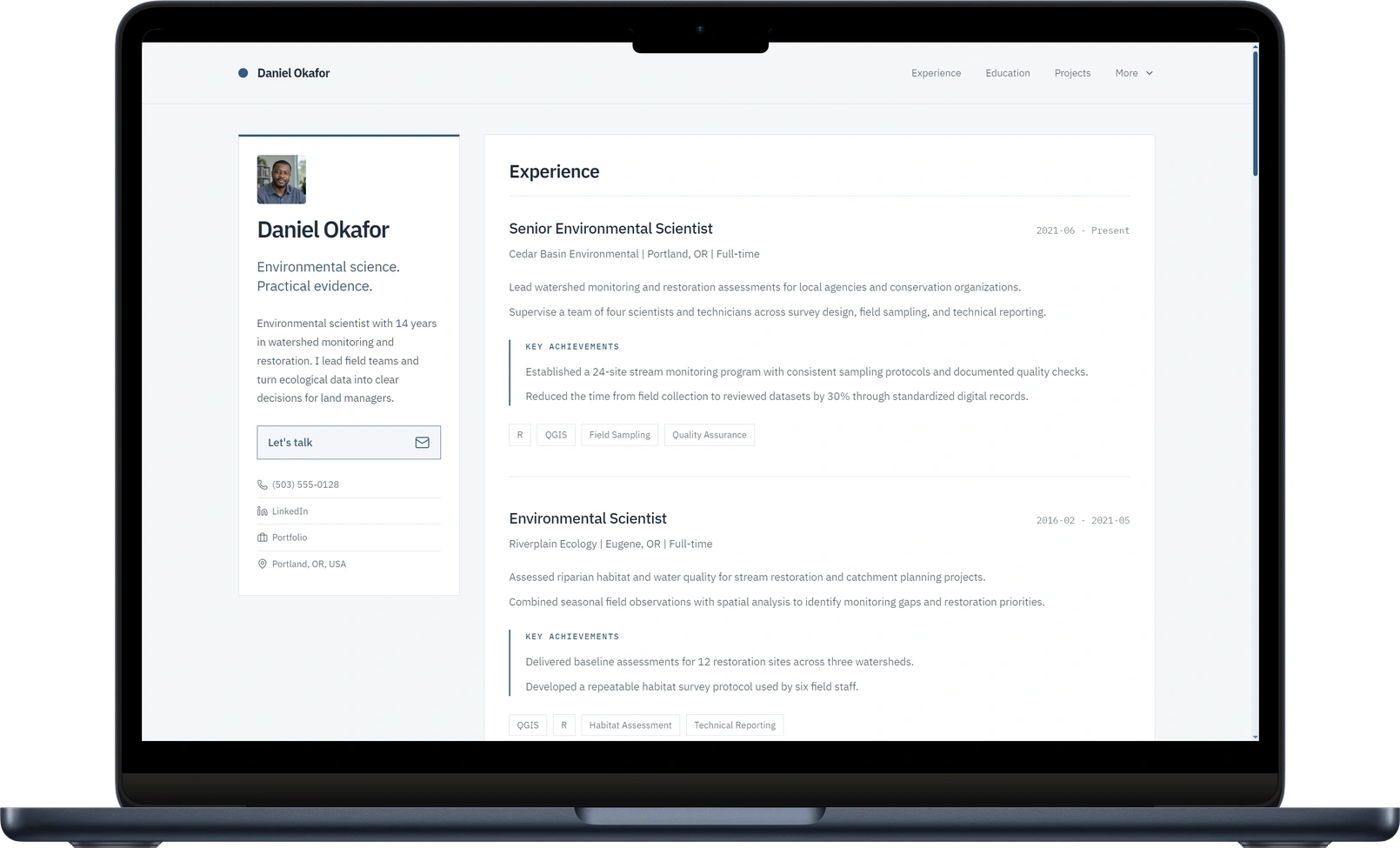
Your CV already brings together your experience, qualifications, and achievements. Self organizes that material into website sections, ready for you to choose which projects and accomplishments to highlight.
The GitHub Pages setup guide describes creating a repository, providing site files, and choosing a publishing source. A template supplies a layout, but moving your career into that layout remains your task.
For example, Academic Pages asks you to create a repository from its template, edit the site configuration, add content and files, and check publication. Its optional local preview also involves development dependencies. Even when you edit in a browser, you still have to assemble and configure the site.
Make career updates directly in Studio
A new role, publication, or research project should be easy to add. Studio gives you controls for your content and presentation in one place. Refine your introduction, add useful links and media, and publish the updated page. Paid plans also include AI editing to help shape the wording and emphasis.
In a GitHub Pages template, updates follow the structure of the source files. A change might belong in a Markdown page, a configuration file, or a data file, depending on the theme. Self removes that file-level work from maintaining your professional profile.
A simpler route for researchers and technical professionals
Even if you use Git every day, Self saves you the work of building a separate profile website. A researcher can use Self to introduce a specialty, connect research roles to publications, and explain the tools behind the work. Developers can link to repositories from the same professional introduction.
See how to create an academic website using Ingrid Mases Solé as an example. The guide shows how to organize research content and use an existing CV to create the page.
Free publishing, with a clear path to your own domain
Self Free includes one hosted page at a self.cv address, using a Free template and a Powered by Self badge. Pro and Team include custom-domain connections, all templates, advanced design controls, and analytics. Choose the plan that gives you the design and features you want.
GitHub Pages includes public-repository hosting with GitHub Free and supports custom domains. You configure the domain in GitHub and at your DNS provider. Domain registration is separate with either service. The reason to choose Self is the work it saves in creating and editing your career website.
See current Self plans. Product and workflow details checked on November 15, 2026.
Verdict: choose Self for a CV website
Choose Self when you want to turn your existing career material into a professional page with less setup. It brings content generation, design, editing, and hosting into one workflow. You spend your time deciding what your work should communicate.
GitHub Pages gives you direct ownership of the site source when the implementation itself matters to your project. For a personal CV or research introduction, Self offers a much simpler path to a finished page.
Create your website from your CV or explore the website templates.
Common questions about Self and GitHub Pages
No. Upload your CV or paste your career text, choose a template, and customize your page in Studio. Self handles the hosted website and publishing workflow.
Yes. Add links to public repositories from your Self page and explain your contribution beside each project. Your professional introduction and your code can stay connected through those links.
Yes. Start with your CV or paste the professional text you want to reuse, then generate and customize a Self page. Add the publication, project, and repository links you want visitors to explore.