
Self vs Resume.io: Take Your Resume Beyond the PDF
Self turns your resume into a polished professional website, with projects and work samples alongside your experience. Resume.io focuses on the application document. Give your career more room.

Javier Martínez Samblas
Founder of Self · AI-powered resume-to-website platform
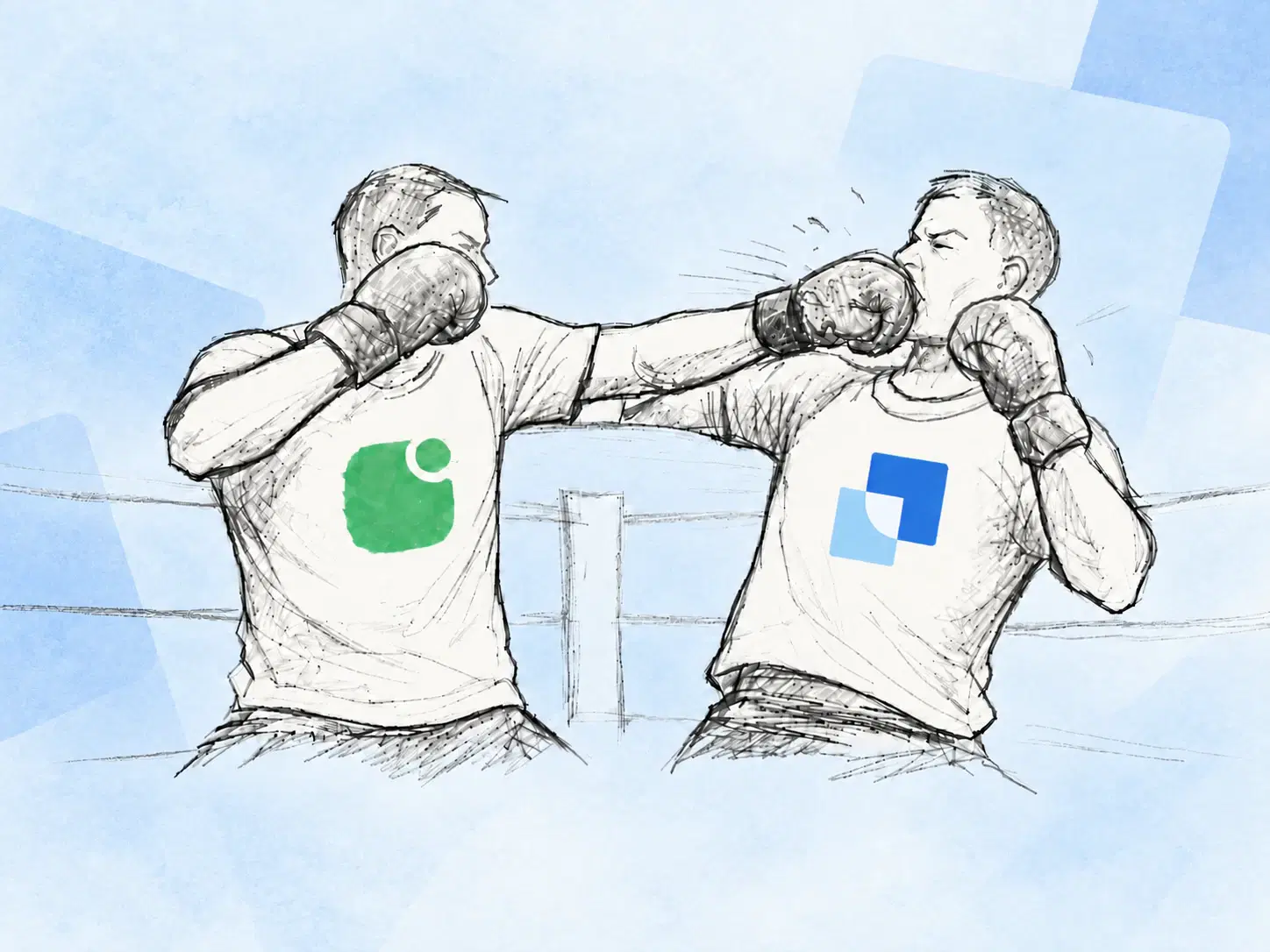
Another resume template will not give your work more room. Self turns the CV you already have into a professional website where your experience, projects, and work samples can make an impression together. If the document is ready, the next step is a website worth sharing.
Self vs Resume.io at a glance
Main result
Self
Professional career website
Resume.io
Resume document
Starting point
Self
Upload your existing career material
Resume.io
Create or tailor a resume
Showing your work
Self
Project images, video, links, and context
Resume.io
Experience summarized in a document
Choose it for
Self
Your professional web presence
Resume.io
Your application documents
| Decision point | Self | Resume.io |
|---|---|---|
| Main result | Professional career website | Resume document |
| Starting point | Upload your existing career material | Create or tailor a resume |
| Showing your work | Project images, video, links, and context | Experience summarized in a document |
| Choose it for | Your professional web presence | Your application documents |
A share link still leaves you with a resume
Resume.io is built around creating and tailoring resume documents. Its sharing guidance describes sending a file or a link to that document. Putting a resume behind a URL changes how you send it; the reader still gets the resume.
That format asks you to compress. A project becomes a bullet. Your contribution becomes a sentence. Work samples become links the reader has to open separately. Our view: once you have a clear application document, another layout adjustment is less valuable than a page that lets people see the work behind it.
Self gives your experience a designed home
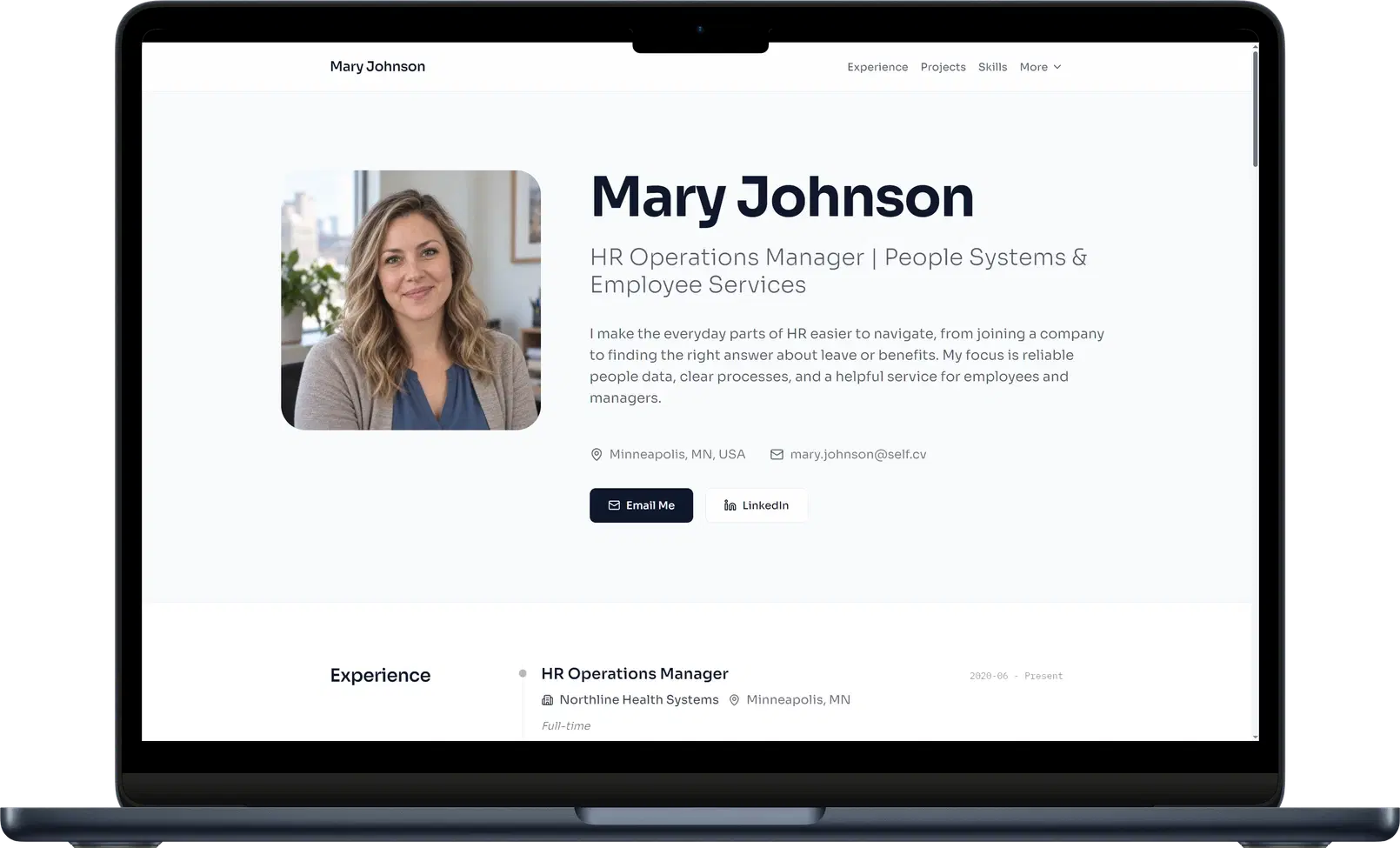
Upload your resume to Self and it generates the professional sections for your website. Choose a template, refine the wording, and add the work samples you want people to see. Your career history provides the context; project images, videos, and links provide something concrete to explore.
Imagine a product launch squeezed into one CV bullet. On your Self page, you can explain your role, show the finished work, and link to the result beside your experience. The page has room for both the achievement and the evidence. You supply the details and samples; Self gives them a coherent presentation.
The design is part of that presentation. Minimalistic keeps the reading order clear, while Gallery brings selected work forward. Browse the resume website templates and examples to choose how you want your career to look. Your finished page is responsive and hosted, ready to share from an email, application, or professional bio.
Keep the application file. Upgrade the first impression.
When an employer requests a PDF or an ATS-compatible file, send that document. Use your Self website to show the projects and professional detail behind it. There is no need to rebuild a finished resume in another document editor just to create your web presence.
Verdict: choose Self for the website your resume deserves
Resume.io serves the document-writing task. For a polished career website from the material you already have, choose Self. Turn the experience you have written down into a page people can explore.
Create your resume website with Self and give your work a place beyond the PDF.
Self vs Resume.io: common questions
How is Self different from a Resume.io share link? Self publishes a responsive career website with professional sections and project media. Resume.io documents sharing the resume itself through a link or file. Choose Self when you want to present your experience and selected work as a website.
Can I use a resume I made with Resume.io? Yes. Upload your resume file to Self, review the generated sections, and add any project images, videos, or links you want on the page. Your existing document becomes the starting material for your website.
Can I publish a Self website for free? Yes. You can keep one hosted page live on a self.cv address with Self branding. Free pages are not indexed by search engines. Pro and Team add all templates, custom domains, analytics, and search visibility controls.