
Self vs VisualCV: Put Your Career Website First
Choose Self for a polished career website: distinctive templates, visible work samples, and experience presented with purpose. VisualCV combines resume documents and websites. Self puts the web presentation at the center.

Javier Martínez Samblas
Founder of Self · AI-powered resume-to-website platform
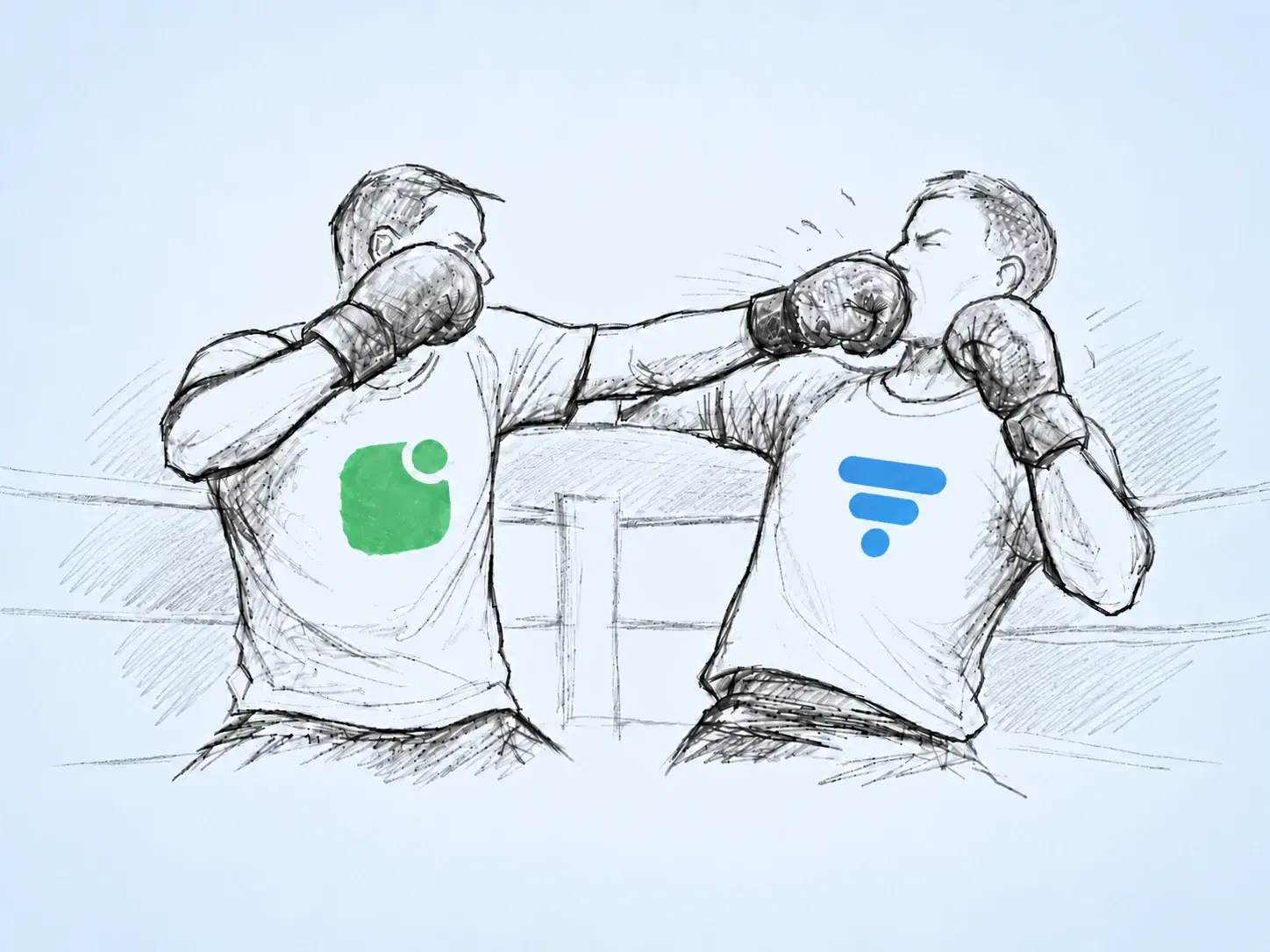
A career website should feel designed for the person opening it. Self brings your experience and selected work together in a polished, responsive presentation, with templates that give your career a visual identity. When the website is what you want to create, that is where we believe the attention belongs.
Self vs VisualCV at a glance
Product focus
Self
Professional website and portfolio
VisualCV
Resume documents and personal websites
Starting material
Self
Resume, portfolio, images, or career text
VisualCV
Import your CV or resume
Website design
Self
Curated career and portfolio templates
VisualCV
Website templates with customization
Reason to choose
Self
Build your professional web presence
VisualCV
Manage resume documents alongside a website
| Decision point | Self | VisualCV |
|---|---|---|
| Product focus | Professional website and portfolio | Resume documents and personal websites |
| Starting material | Resume, portfolio, images, or career text | Import your CV or resume |
| Website design | Curated career and portfolio templates | Website templates with customization |
| Reason to choose | Build your professional web presence | Manage resume documents alongside a website |
Choose by the page people will actually see
VisualCV offers a personal website builder with CV import, templates, and custom domains alongside its resume-document tools. Both products can get career information onto the web. For someone who already has a resume, the useful question is how that website presents the person behind it.
Our position is straightforward: choose Self when your priority is a beautifully presented career website. Your introduction, experience, and selected work should read as one considered page. A list of document exports tells you little about that result. Look at the website itself.
Give your career a visual identity
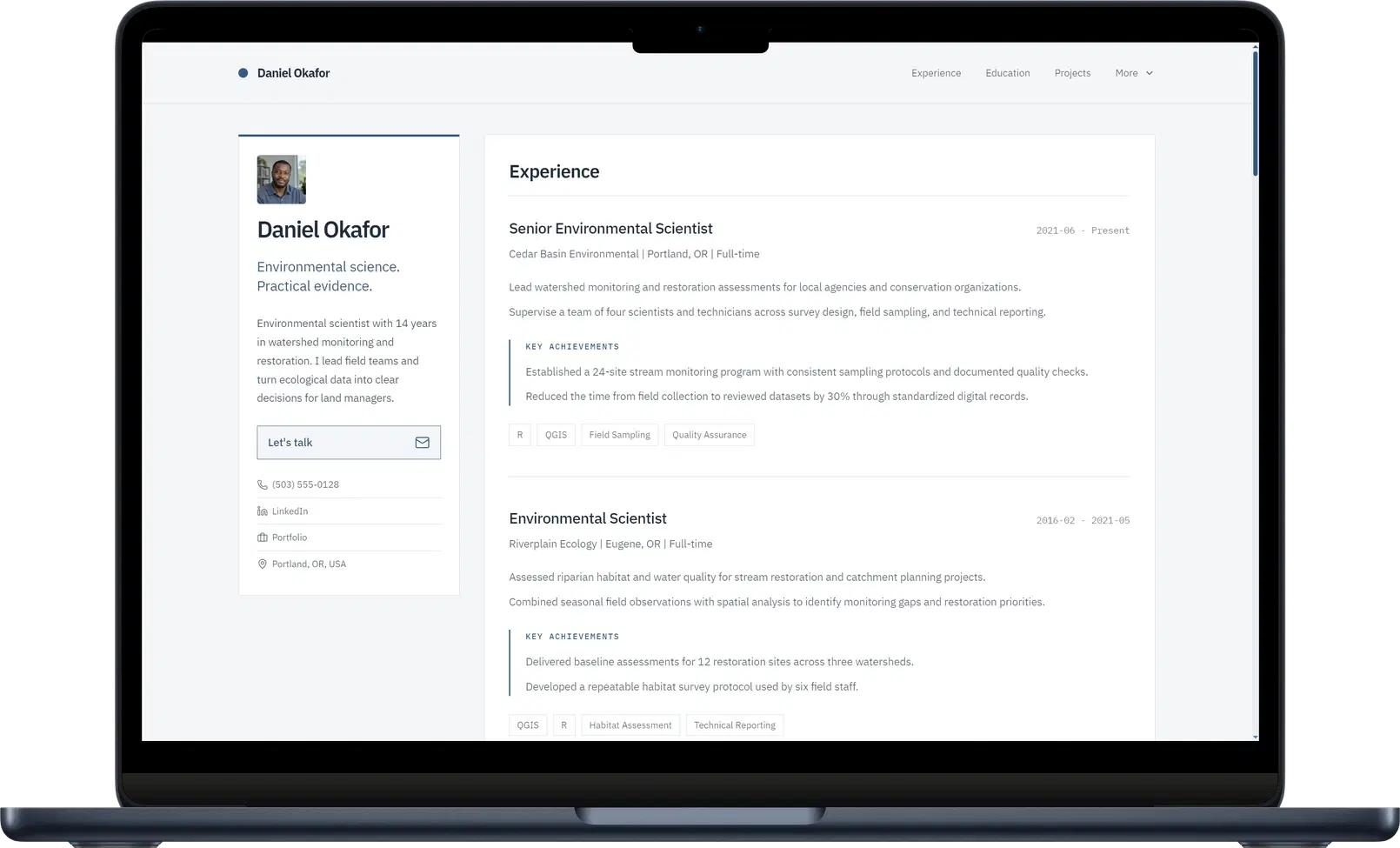
Self offers distinct ways to present professional work. Dossier gives detailed experience and achievements a structured reading order. Gallery makes project imagery prominent. Minimalistic keeps the presentation restrained. These are different visual directions for the career you want people to understand.
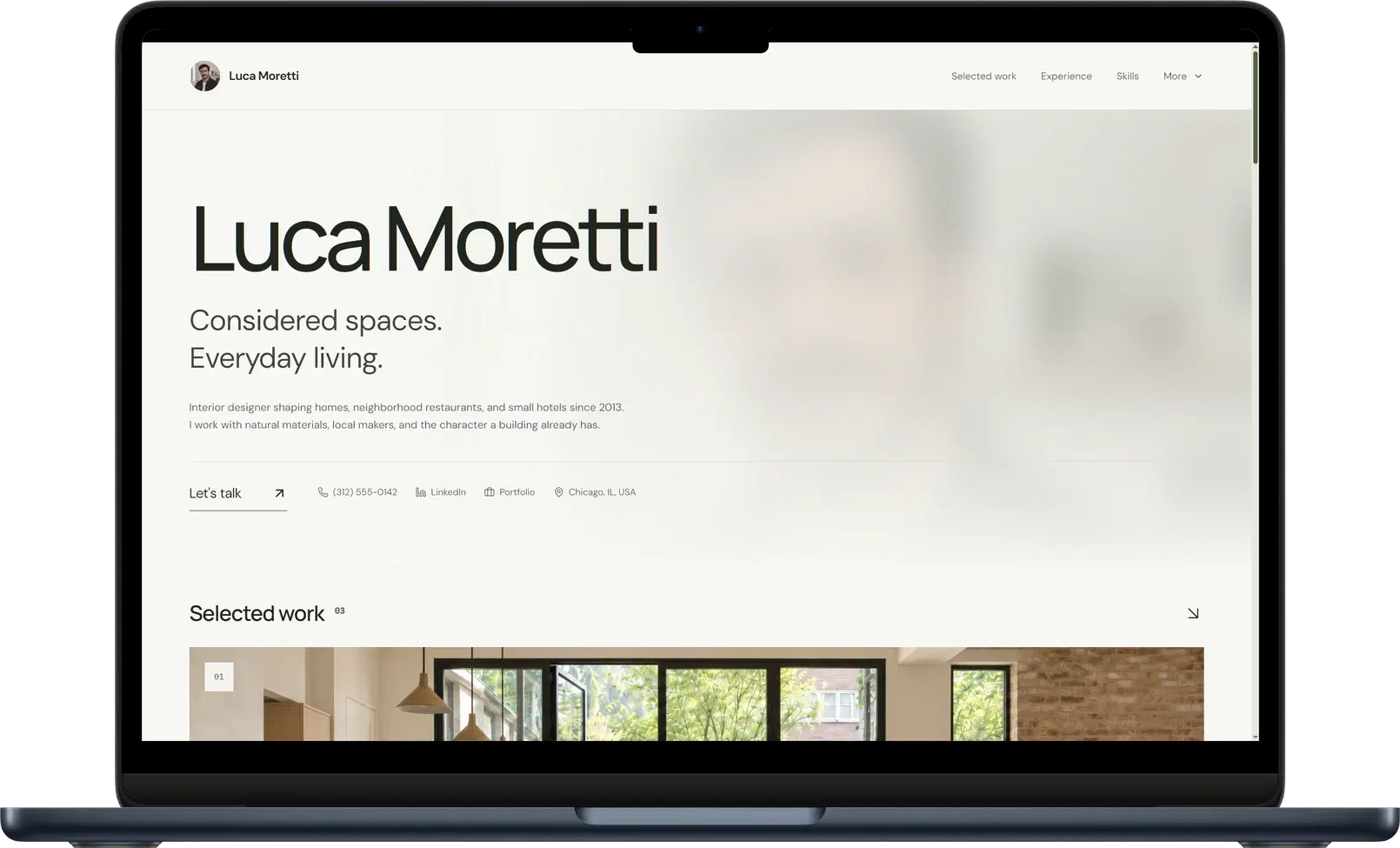
Explore the Self template collection and website examples. Pay attention to how a page introduces you, where projects appear, and how the experience supports them. That is the design work Self puts into its career websites, and the reason to choose a template should be visible in the page.
Put the work beside the experience
A job title gives the reader a label. A project gives them something to inspect. Self lets you add images, video, links, and descriptions to projects alongside your professional history. You can show the finished work and explain your part in it without squeezing both into a resume bullet.
Start with your existing resume or portfolio, review the generated sections, and choose the design. Then add the samples and context that deserve attention. The website is the finished product throughout this process: the structure, the media, and the editing all serve that presentation.
See how projects and media work in Self to plan the work you want on your page.
Verdict: make the website the priority
If you need a document editor and a website in one account, that explains the appeal of VisualCV. If your next step is a polished professional website, choose Self. Give your career a considered design and your projects the space to support it.
Build your career website with Self or explore the portfolio website builder to see the presentation you can create.
Self vs VisualCV: common questions
Why choose Self if VisualCV also makes websites? Choose Self for its approach to the finished career page: curated visual designs, generated professional sections, and project media alongside your experience. Compare the template examples against the presentation you want to share.
Can Self replace my resume PDF? Use your resume file for applications that request one. Self turns that material into a website where people can explore your experience and work samples. You can keep your existing PDF and build the website from it.
Which Self features need a paid plan? Pro and Team unlock all templates, additional design controls, AI editing, custom domains, analytics, and search visibility controls. The free plan includes one hosted page on a self.cv address with Self branding; free pages are not indexed by search engines.